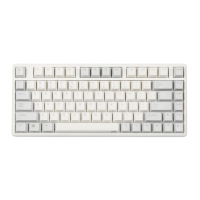
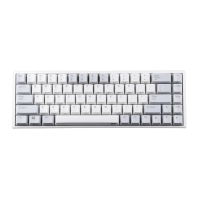
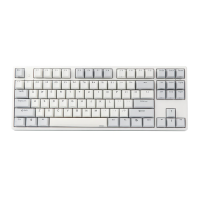
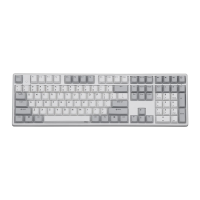
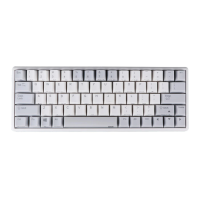
84EC(S) User Manual
1. Keyborad Function Illustrate
Special keys Function table
Lock/Unlock number keyboard and disable
it;Number keyboard be lock and numlock indicator is
off. Press numlock key can’t open the numlock
indicator. Disable in program mode;Shutdown don’t
memory.
Lock/Unlock the keyboard;lock the keyboard,ESC
indicator into the colorful breathing state;Shutdown
don’t memory.
Adjustable Trigger point (high/low stage)
Shutdown doesn’t memory.Default in fit trigger
point.
Press 3 seconds for indicator flash 1 times.Achieve
the exchange between “left Ctrl” and “Caps”.
Shutdown doesn’t memory
Press 3 seconds for indicator flash 1 times,open Win
Key;indicator flash 2 times ,lock Win key.Disable in
Mac OS;Shutdown memory
Press 3 seconds for indicator flash 2 times,Match
Mac OS( Achieve the exchange between “left Win”
and “Left Alt”, “Right Alt be place of Right
Win”,,“Menu be place of Right Alt”). Press 3
seconds for indicator flash 1 times,match Win
OS(key to return),Shutdown memory
Note:1.In wired mode and match Mac OS,that is
need waiting for some time.
2.If you want to open programming software,you
need to match to Win OS(indicator flash 1
times),otherwise you won’t be able to open the
programming software.
4 gear to adjust the time required by the mouse
cursor to move a
cell.respectively,USB:8/6/4/2ms,Bluetooth:12/9/7/5
ms;corresponding indicator flash 1-4
times;Shutdown memory
4 gear to adjust the number of pixel required by the

 Need help?

 To Next Page
 General