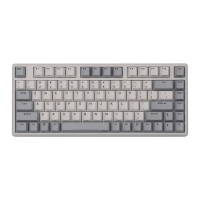
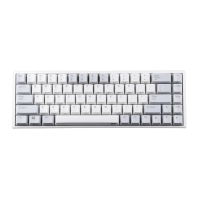
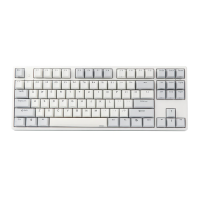
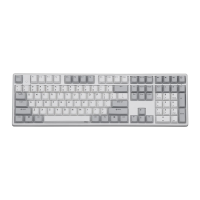
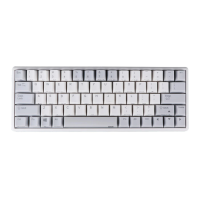
82EC(XRGB)Ble User Manual
1. Keyborad Function Illustrate
• Menu for backlight (RGB version only)
Programming software definitions, first press in, second
press out,Shutdown memory.
Every click RGB lights of the keyboard will loop switch
between
red-green-bule-purple-green-white-off-sunset-relax;
Shutdown memory.(sunset is warm colour,relax is cold
colour,dynamically)
First press for single light meteor shower, second press for
five lights meteor shower, third press for exit. The
background are chosen by specific lights and seven color
switch; the time lights stranded are chosen by FN+←/→;
Shutdown memory.
First press for ripple, second press for aurora,third press for
exit; the background are chosen by specific lights and seven
color switch; the time lights stranded are chosen by
FN+←/→; Shutdown memory.
First press for single light breath(the background are chosen
by specific lights and seven color switch), second press for
seven lights loop switch breath, third press for exit; the
frequency are chosen by FN+←/→; Shutdown memory.
Demonstrate all kinds of lights. Stop demo by FN+SPACE.
The frequency chosen by FN+←/→; Shutdown memory.
Add luminance in 6 levels
Minus luminance in 6 levels;Close the backlight after the
lowest brightness
Regulate the time of light effects in 5 levels;Regulate the
luminance of the indicator when the backlight is true off.
Regulate the time of light effects in 5 levels;Regulate the
luminance of the indicator when the backlight is true off.

 Need help?

 To Next Page
 General