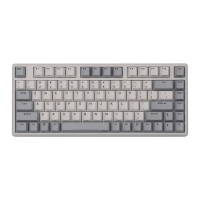
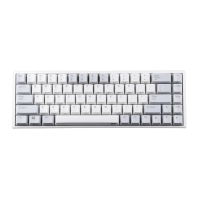
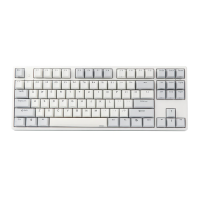
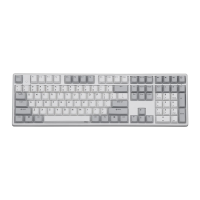
3 gear to adjust the keystroke response
delay,respectively,500,300,100ms,corresponding
indicator flash 1-3 times;Default in the first
gear;Shutdown doesn’t memory
Long press 3s into pair status,BD1 led flash
quickly;short press into reconnect status,BD1 led
flash slowly;shutdown memory
Long press 3s into pair status,BD2 led flash
quickly;short press into reconnect status,BD2 led
flash slowly;shutdown memory
Long press 3s into pair status,BD3 led flash
quickly;short press into reconnect status,BD3 led
flash slowly;shutdown memory
1.keyboard link to adapt :Start or close bluetooth
2.keyboard link to computer:Bluetooth mode/Wire of
USB swap,
Press to exchange Office mode and Program
mode, ”M” Light turned on and off after 1 second at
Office mode, ”M” Light turned on and off after 10
seconds at Program mode. Shutdown memory
In Game mode (indicator flash 1 times),keyboard
speed is fast and power consumption is high,be
enable in wireless; Shutdown memory
In office energy saving mode (indicator flash 1
times),keyboard speed is fit and power consumption
is low,be enable in wireless; Shutdown memory
Bluetooth Operation Instruction (Bluetooth version only)
Keyboard can be paired 3 Bluetooth devices, and keyboard can be connect to different
devices to achieve rapid connection by press the key. Keyboard reset and default to
connect the last use of the device. If the keyboard is in the state of cable, you can
switch to the Bluetooth state by FN+F12; then one more time to click FN+F12 to back
to the cable mode.
1. Bluetooth indicator instruction:
When the indicator flashes quickly, the keyboard is into pairing status.
When the indicator flashes slowly, the keyboard needs to be into reconnected.
When the indicator is always on, the keyboard is connected successfully and after
5 seconds, the indicator will be out.
2. Bluetooth pair instruction:
Before into pairing,need to close the bluetooth of device that has paired to the keyboard.
For example,After the completion of the Bluetooth 1 paired phone a, if you need to match the
Bluetooth 2 and B cell phone, then need to first turn off the phone a Bluetooth, then FN+F10 long


 To Next Page