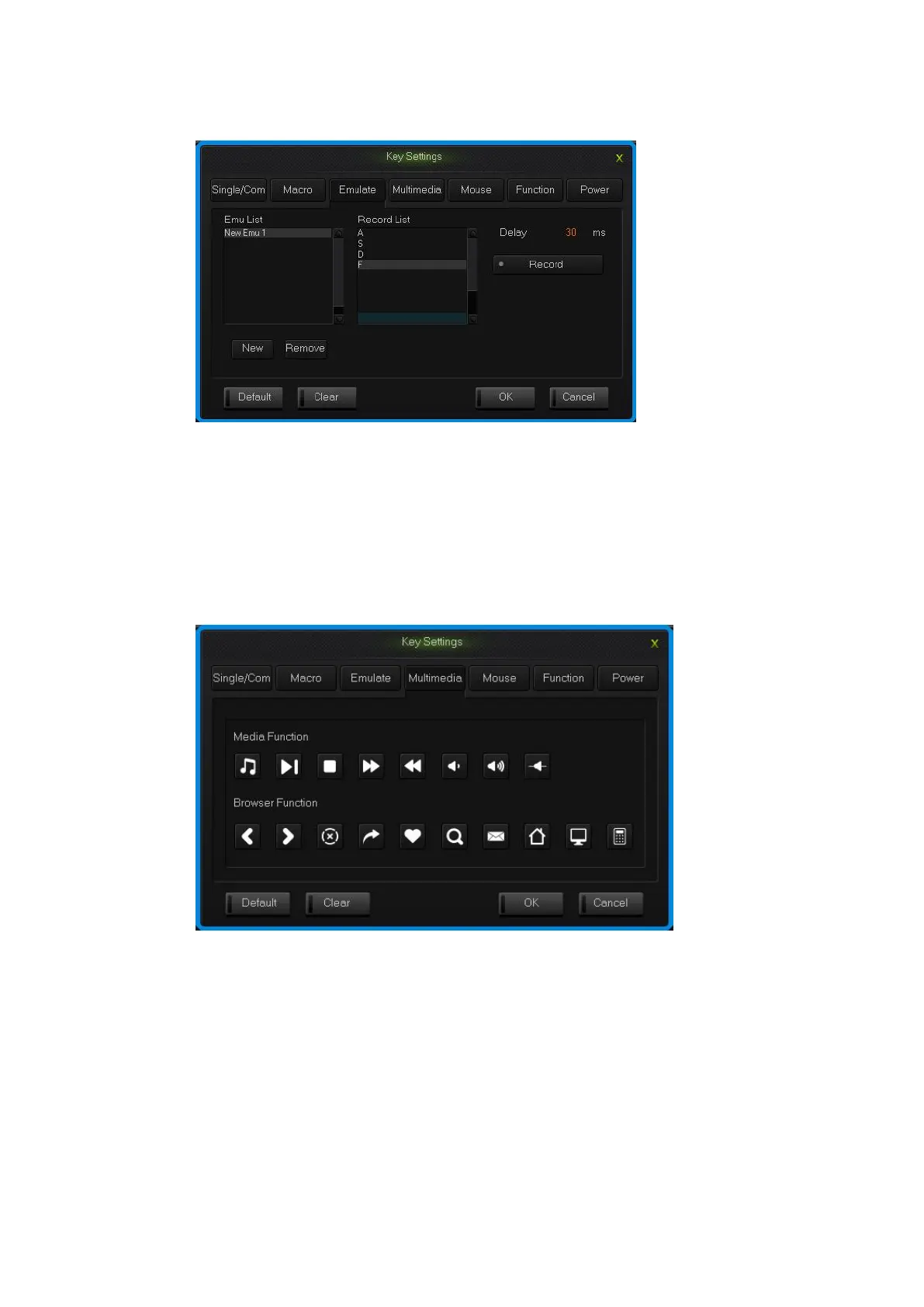
4.Single click “OK”.
simulate key stroke interface
2.4 Multi-Media
The keyboard support usual function for multi-media, custom multi-media
simplify the layout of keyboard.
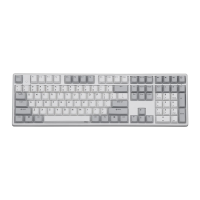
1.Single click the key you need to configure, single click “Multimedia”;
2.Choose custom multi-media in the multi-media interface, then click “OK”.
Multi-media interface
2.5 Mouse
The keyboard support Mouse.
1.Single click the key you need to configure, click “Mouse” in the dialog
box of “Key Settings” that pops out;
2.Choose custom mouse functions in the mouse panel, the click “OK”.


 To Next Page