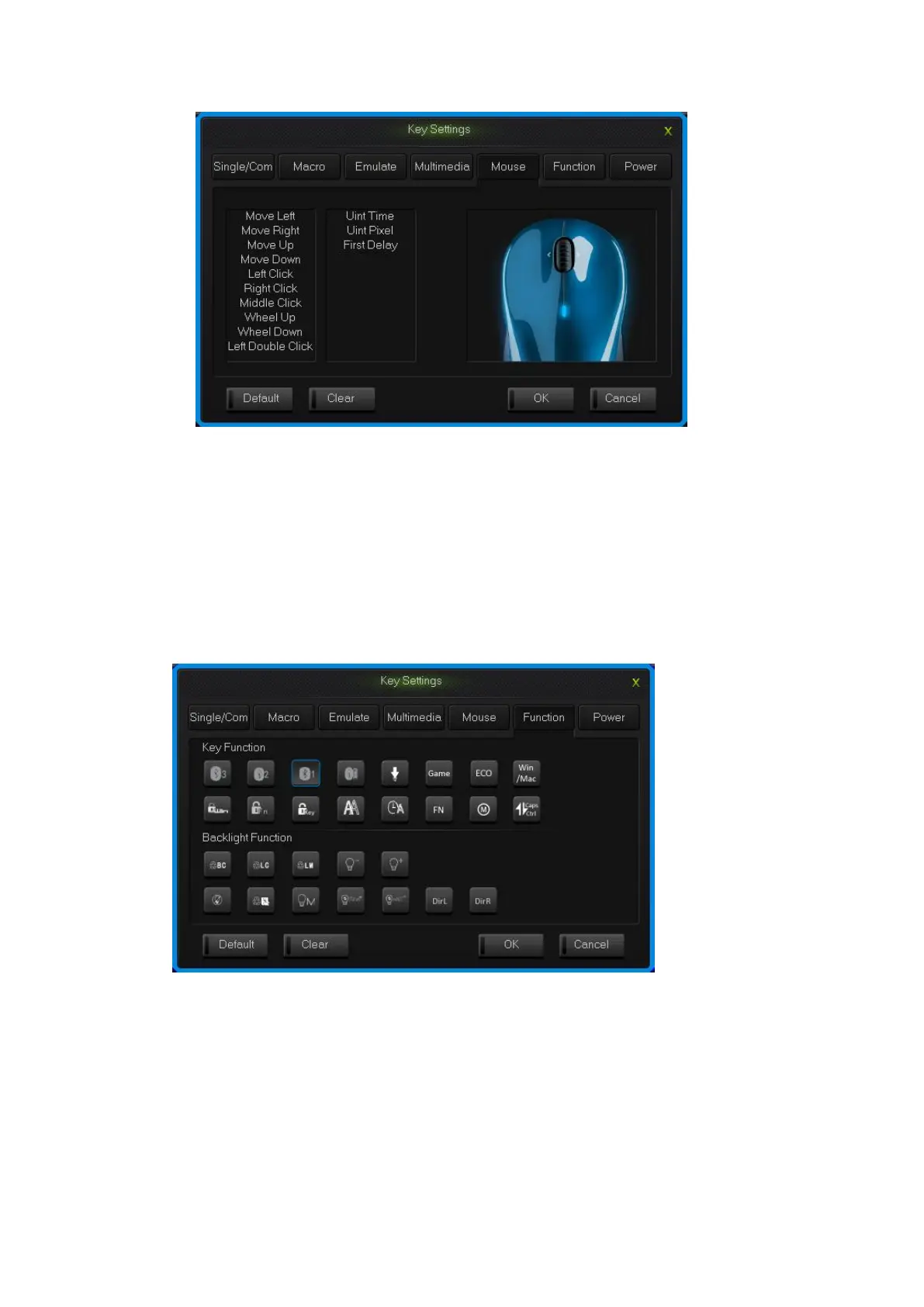
Mouse interface
2.6 Function Key
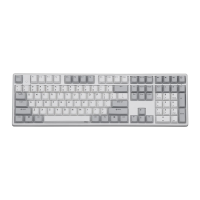
The control key are divide into key function and backlight function.
1.Single click the key you need to configure, click “Funcion” in the dialog box of
“key Settings” that pops out;
2.Choose custom functions in the control key panel, the click “OK”.
Function key interface
2.7 Power
The keyboard support power function.
1.Single click the key you need to configure, click “power” in the dialog box of
“ KeySettings” that pops out;


 To Next Page