(EN) Getting started with KOMP
Installation
Please follow these instructions when installing
KOMP:
1. Once removed from the packaging,
place the unit on a stable surface and
insert the power chord
2. Switch the unit on by turning the button.
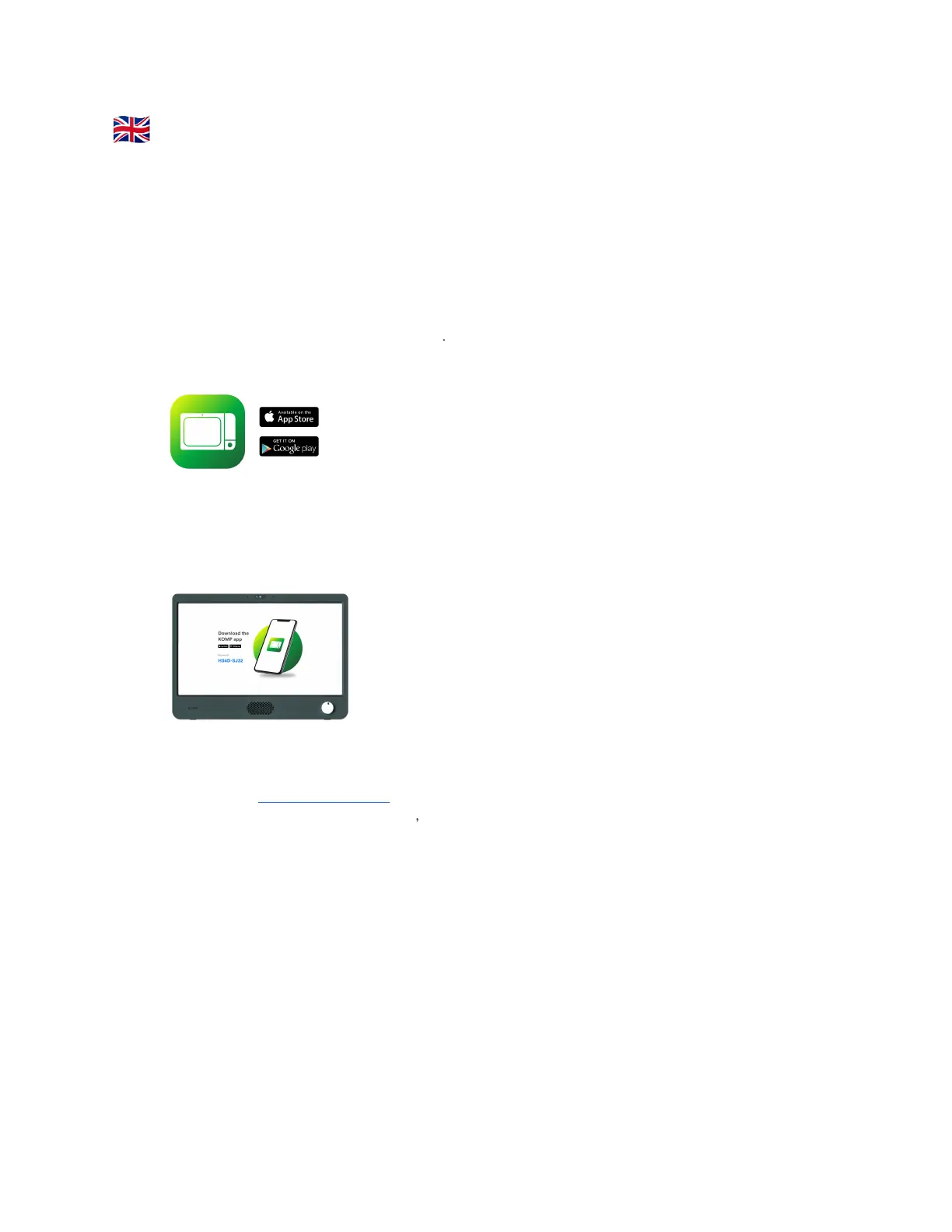
3. Download the app “KOMP” from App
Store (iOS) or Play Store (Android)
4. Tap Create user
5. Enter the keyword which is displayed on
the KOMP device.
This keyword can only be used once
by
the first person setting up KOMP.
6. Create your personal profile and give
KOMP a nickname (e.g. Grandma)
7. If you have not purchased our 4G
subscription, add a WiFi-network
8. You can now invite family members,
share photos, send messages and make
video calls. Please keep reading to learn
how to invite members to a KOMP.
Inviting family members
There is no limit to how many family members
can be invited to the KOMP app, and all they
need to join is a smartphone. When you invite
someone to KOMP, a unique keyword will be
created that you need to share.
1. Open the app
2. Press Settings → Users → Invite a family
member
3. Please make sure to give access to your
contacts
4. Type the phone number or choose from
the contact list
5. Press Invite
You will be given a unique keyword, and can
either copy and share it directly by tapping the
keyword, or press the button to send a
precomposed message in your preferred
messaging app (e.g. WhatsApp or Messenger).
The user can then proceed to download the app,
enter the keyword you have sent them, create a
profile and connect to the KOMP.
Need help?
Visit support.noisolation.com 2


 To Next Page