Key features
On this page you can find a short introduction to KOMP’s key features, and how each of them works.
Need help?
Visit support.noisolation.com 4
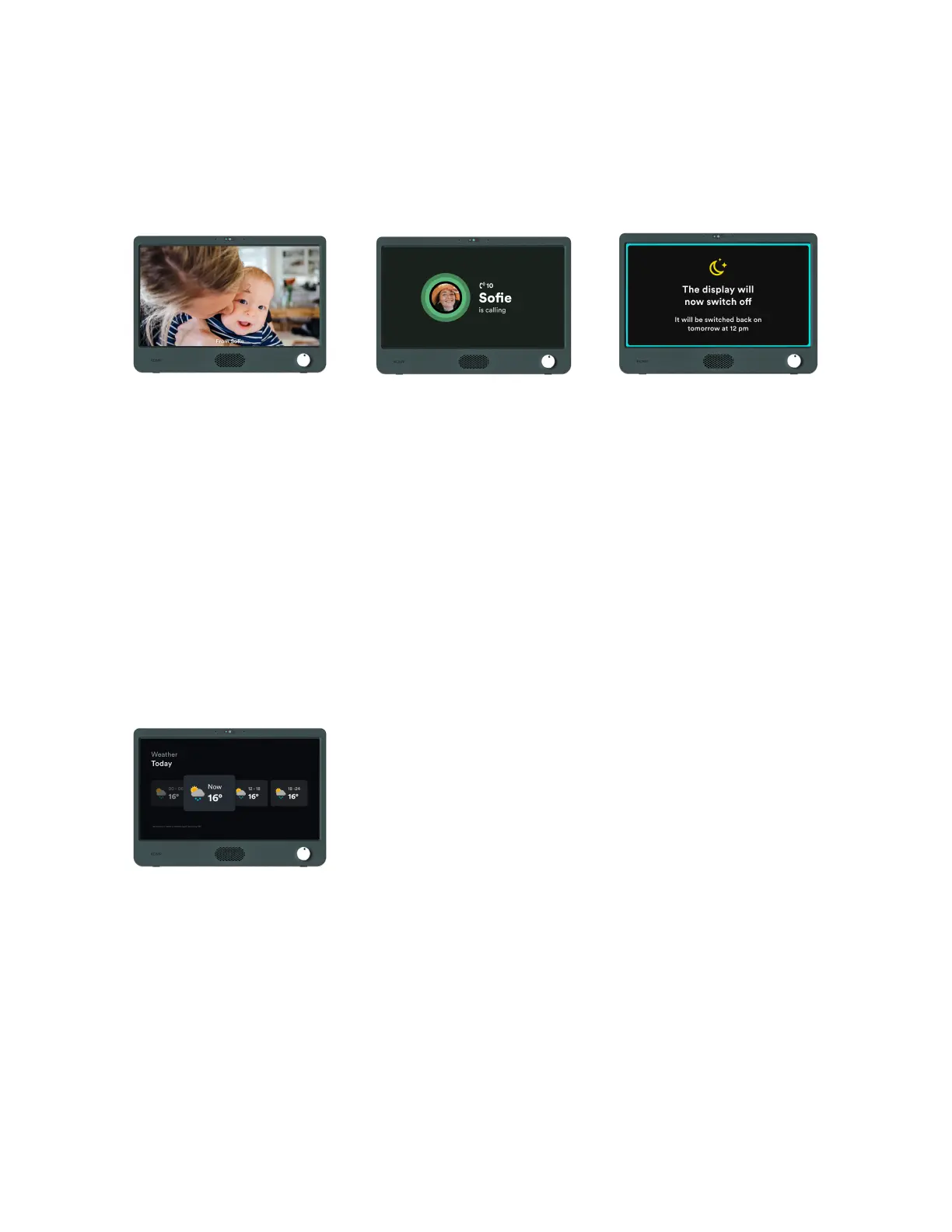
Images and messages
Images and messages are
displayed in a continuous loop
on the KOMP display.
You can decide both the display
duration and expiry time.
Messages can be private, which
means only you and the KOMP
user can see it.
You can add text on images
Video calls
If the KOMP is switched on you
can make a video call.
When you call, the conversation
will automatically connect after
10 seconds. The user may
choose not to accept the call by
switching KOMP off.
Sleep Mode
Sleep mode lets you set time
intervals where the screen will
be switched off
Video calls are still enabled
when KOMP is in Sleep Mode.
Weather
Show today and tomorrow’s
weather forecast.


 To Next Page