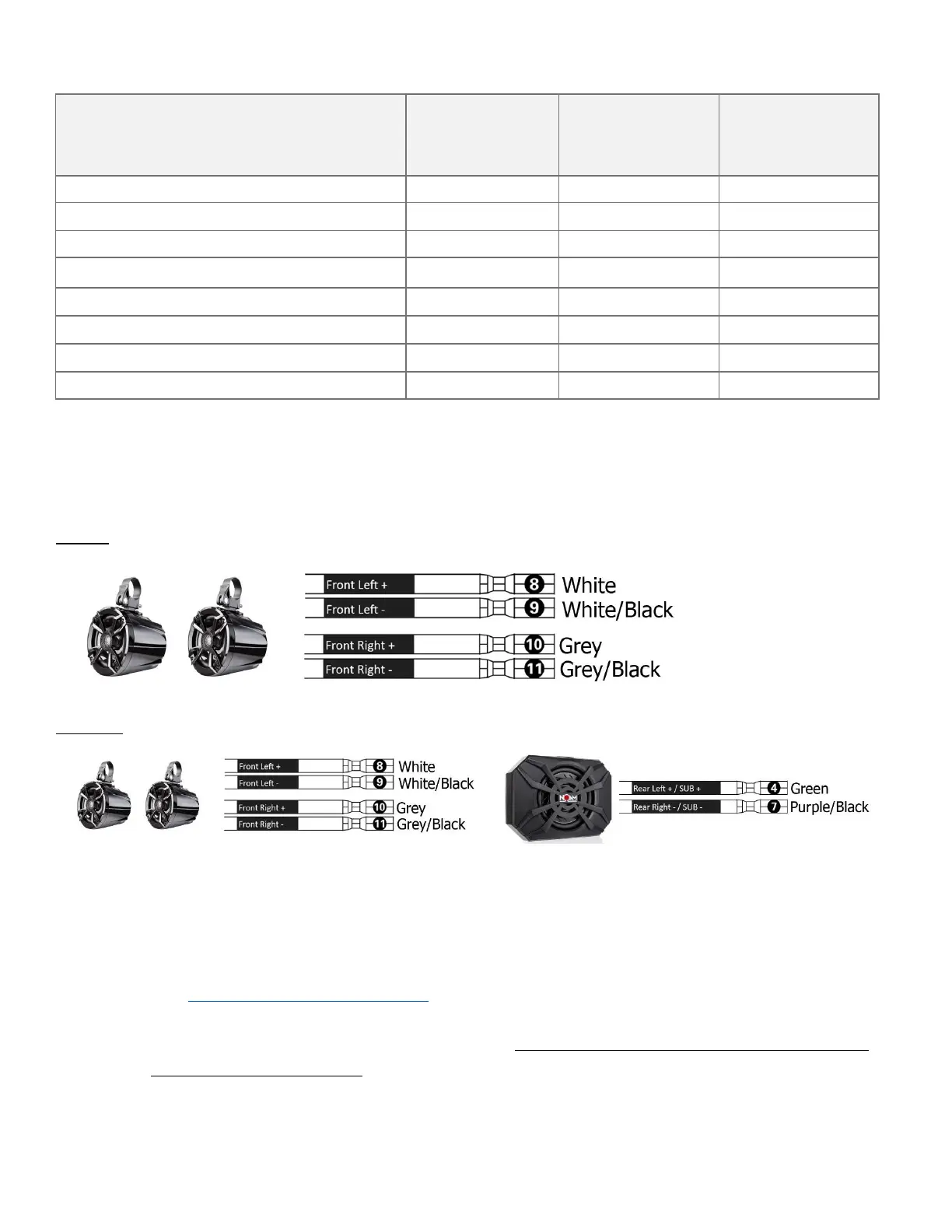
*Make sure you position your speakers in accordance with the amplifier's channel they are connected to. If
the speaker is connected to the left channel make sure you position it on the left-hand side of your ride.
Same goes for the right channel.
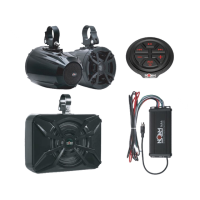
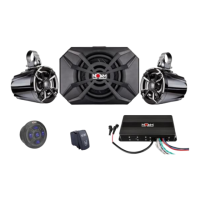
NUTV5
NUTV5-S
4. Now that everything is hooked up as it should, let's test your system. Turn your controller on, the
amplifier's power indicator light will first turn RED and If all connections are OK, within 2-5
seconds the light will turn BLUE. In case the light remains red it means that the amplifier is in
protection mode, due to a short circuit, or inadequate voltage, either too high or too low. In this
case see page 18 for troubleshooting.
5. Play some tunes to make sure all is working as it should.
6. Now you can go ahead and mount the amplifier in a dry and well-ventilated location where it
will remain dry at all times.



 To Next Page