EasyManua.ls Logo

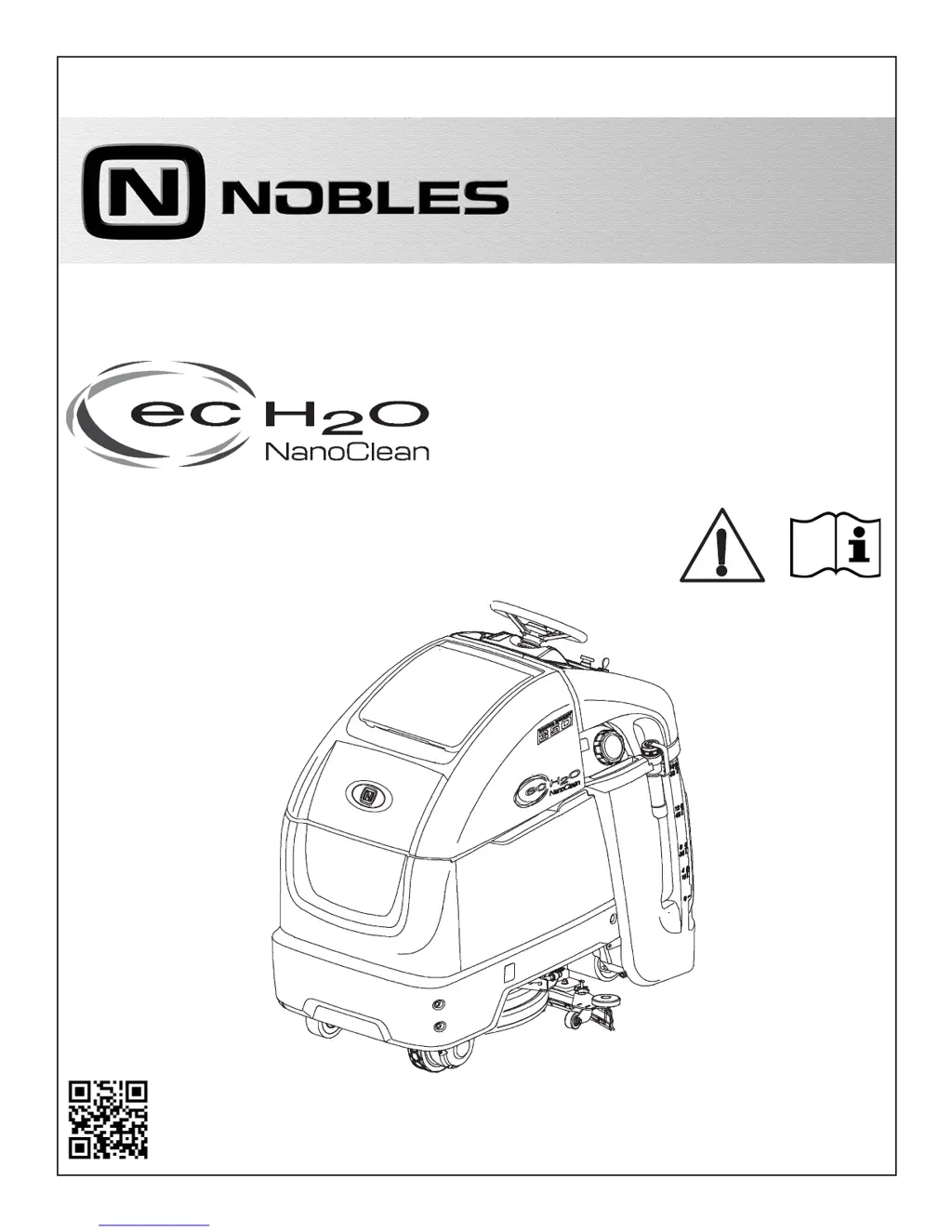
Nobles SPEED SCRUB 350 - User Manual

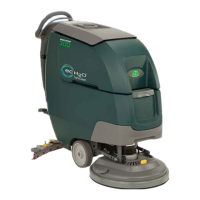
Nobles SPEED SCRUB 350
66 pages
Print Icon
To Next Page IconTo Next Page
Loading...
9016424
Rev. 00 (09-2017)
*9016424*
For the latest Parts Manuals and other
language Operator Manuals, visit:
www.nobles.com/manuals
Hygenic
®
Fully Cleanable Recovery Tank
Tennant True
®
Parts
IRIS
®
a Tennant Technology
Smart-Fill™ Automatic Battery Watering
Insta-Click™ Magnetic Disk
SPEED SCRUB
®
350
STAND-ON RIDER SCRUBBER
OPERATOR MANUAL
R
ENGLISH

Table of Contents

Questions and Answers

  • A
    Amy KingAug 16, 2025
    What to do if my Nobles SPEED SCRUB 350 Scrubber will not operate?
    • G
      gallaghersamanthaAug 17, 2025
      If your Nobles Scrubber isn't operating, there are several potential causes: * The emergency shut-off button may be activated. Try turning the button to reset it. * The batteries might be discharged, requiring a recharge. * Loose battery cables can prevent operation, so ensure they are tightened. * A tripped circuit breaker can also halt the machine. Reset the circuit breaker to resolve this.
  • J
    Jason HarveyAug 19, 2025
    Why is my Nobles Scrubber leaving water behind?
    • M
      Marie HowellAug 19, 2025
      If your Nobles Scrubber is leaving water behind, it could be due to several reasons: * The recovery tank might be full or have excessive foam buildup. Drain the recovery tank. * The drain hose cap may be loose; replace it. * The squeegee blades could be worn; rotate or replace them. * The squeegee assembly or vacuum hose might be clogged; clean or flush them, respectively. * A loose vacuum hose connection can also cause this issue; ensure it's secure. * The float shut-off screen in the recovery tank may be clogged, so clean the screen. * Also, check that the recovery tank lid is completely closed and free of obstructions. If there are defective seals on the recovery tank lid, they should be replaced.
  • L
    Lisa SmithAug 22, 2025
    What to do if the on-board battery charger of my Nobles Scrubber will not operate?
    • R
      Richard ColemanAug 22, 2025
      If the on-board battery charger isn't working, first check the plug connection to the power supply. If the batteries are over discharged, they should be replaced. You can also replace the faulty charger or power supply cord.
  • C
    Carol HowellAug 25, 2025
    Why is there little or no solution flow from my Nobles SPEED SCRUB 350 Scrubber?
    • D
      Dan HarrisAug 26, 2025
      If you're experiencing little to no solution flow, it could be due to a few reasons. The solution tank might be empty, so refill it. The solution flow rate may be set too low; increase it. Also, the solution tank filter could be clogged, so clean it. Try flushing the solution supply line if it is plugged. If the scrubber is ec-H2O model, try restarting the machine and setting flow rate to high.
  • A
    aobrienAug 27, 2025
    How to improve the scrubbing performance of my Nobles Scrubber?
    • W
      wgentryAug 27, 2025
      To enhance your Nobles Scrubber's scrubbing performance, consider these points: * Remove any debris caught in the brush/pad. * Replace the brush/pad if it's worn. * Adjust the brush pressure if it's incorrect. * Ensure you're using the correct brush/pad type for your specific application. * Recharge the batteries if the charge is low.
  • B
    Brandon SextonAug 30, 2025
    Why does my Nobles SPEED SCRUB 350 Scrubber have a short run time?
    • C
      Crystal KrauseAug 30, 2025
      A short run time for your Nobles Scrubber can be attributed to several factors: * The battery charge may be low, requiring a recharge. * The batteries might need to be replaced if they are defective or at the end of their life. * If the battery charger is faulty, consider replacing it. * High brush pressure can also reduce run time, so lowering it may help.
  • R
    Rodney DaltonSep 2, 2025
    What should I do if my Nobles SPEED SCRUB 350 will not propel?
    • S
      susankramerSep 2, 2025
      If your Nobles Scrubber isn't propelling, first, remove your right foot from the green go pedal if the forward/reverse light is flashing rapidly. Also, reset the circuit breaker if it has tripped.
  • B
    Bryan BanksSep 4, 2025
    What to do if the vacuum motor of my Nobles SPEED SCRUB 350 will not operate?
    • B
      Brendan ChambersSep 5, 2025
      If the vacuum motor isn't operating, ensure the squeegee assembly is lowered to the floor.
  • W
    williamsgeorgeSep 7, 2025
    What does it mean if the ec-H2O icon on my Nobles SPEED SCRUB 350 Scrubber is flashing red and blue?
    • A
      April ScottSep 7, 2025
      If the ec-H2O icon is flashing red and blue, the ec-H2O cartridge has reached its maximum water usage or expiration. You should change the ec-H2O cartridge.
  • D
    Daniel EnglishSep 10, 2025
    What to do when the automatic battery watering tank of my Nobles Scrubber does not dispense water?
    • J
      Jennifer Schroeder DVMSep 12, 2025
      If the automatic battery watering tank isn't dispensing water, the tank may be empty. Refill the tank.

Summary

Introduction

Intended Use and Machine Data

Describes operational scope and identification fields for the machine.

Safety Instructions

General Safety Precautions

Essential safety guidelines for operation and service.

Safety Labels

Warning Label Locations

Identifies placement and content of safety labels.

Machine Components

Component Identification

Visual guide to machine's major components.

Control Panel

Control Panel Components Overview

Explains buttons and indicators on the control panel.

Battery Installation

Installing the Batteries

Step-by-step procedure for battery installation.

Machine Operation

How the Machine Works

Explanation of scrubbing and cleaning mechanisms.

Machine Setup

Attaching Squeegee Assembly

Instructions for connecting the squeegee.

Tank Management

Filling Solution Tank

Steps for adding cleaning solution.

ec-H2 O System

Water Conditioning Cartridge Replacement

Guide for replacing the ec-H2O cartridge.

Control Panel Operation

Key Button Functions

Explains operation of key control panel buttons.

Machine Operation

Pre-Operation Checklist

Essential checks before starting the machine.

Maintenance

Draining Tanks

Steps for emptying and cleaning solution and recovery tanks.

Troubleshooting

Service Indicator Codes

Interpretation of fault codes displayed by the machine.

Maintenance

Maintenance Chart Overview

Summary of scheduled maintenance tasks.

Weekly Maintenance

Weekly Tasks and Checks

Maintenance to be done on a weekly basis.

Battery Maintenance

Battery Care and Checks

General battery maintenance and connections.

Battery Maintenance

Charging the Batteries

Instructions for safely charging the machine's batteries.

Brush and Pad Maintenance

Brush and Pad Replacement

Steps for replacing brushes and pads.

Squeegee Maintenance

Squeegee Blade Replacement

Instructions for replacing squeegees.

Machine Service

Machine Jacking Procedures

Safe methods for lifting the machine for service.

Machine Transport

Pushing, Towing, and Transporting

Guidelines for moving and transporting the machine.

Storage and Protection

Storing the Machine and Freeze Protection

Steps for long-term storage and freeze prevention.

Troubleshooting

Machine Troubleshooting Guide

Common issues and their solutions.

Specifications

General Machine Dimensions and Performance

Technical data on size, capacity, and operation.

Supervisor Controls

Entering Supervisor Control Modes

How to access and manage control modes.

Nobles SPEED SCRUB 350 Specifications

General IconGeneral
Power SourceBattery
Cleaning Path Width350 mm
Recovery Tank Capacity15 L
Weight45 kg
Motor Power0.5 HP
Brush Diameter350 mm

Related product manuals