6
Understanding Advanced Diagnostics.
Advanced Diagnostics is used when displaying Error
Conditions. It will display a series of blink sequences
that help you identify the cause of the error and
potential solutions.
All Error Conditions are displayed with the Error LED
and Standby LED ashing back and forth. The
number of ashes between each pulse denotes a
potential Error Condition (except reverse polarity and
low-voltage battery).
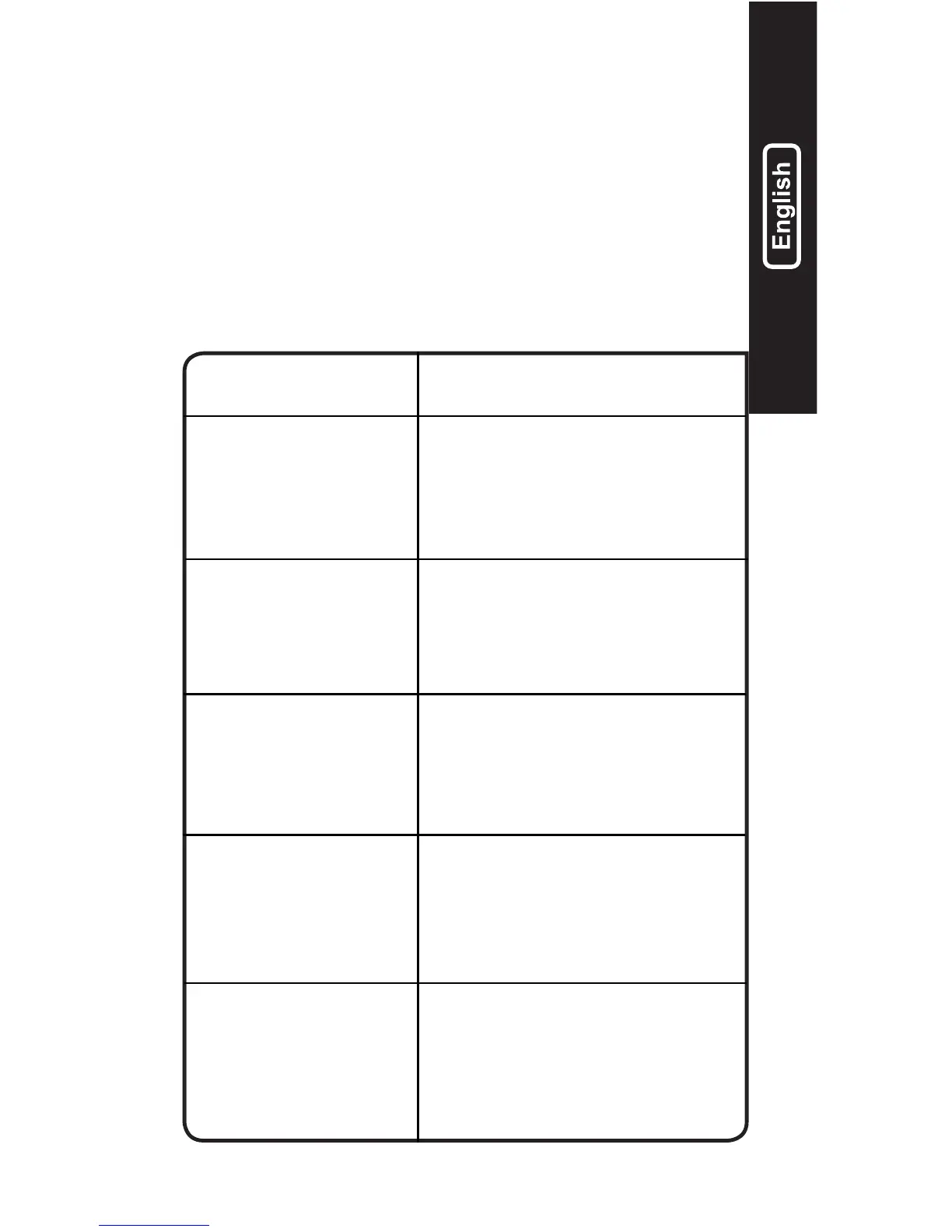
Error Reason/Solution
Single
Flash
Battery will not hold a charge.
Have battery checked by a
professional.
Possible battery short.
Have battery checked by a
professional.
Battery voltage is too high for
the selected charge mode.
Check the battery and charge
mode.
Error LED
Solid Red
Reverse polarity. Reverse the
battery connections.
Battery voltage is too low for
charge to detect or charger
is in supply. Jumpstart the
battery to raise the battery
voltage.
Double
Flash
Triple
Flash
Standby
Solid Orange


 To Next Page