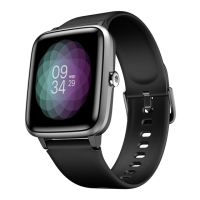
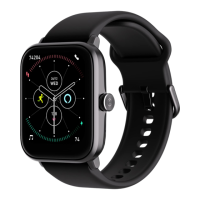
User Manual for Noise Scout 02
WATCH INTRODUCTION
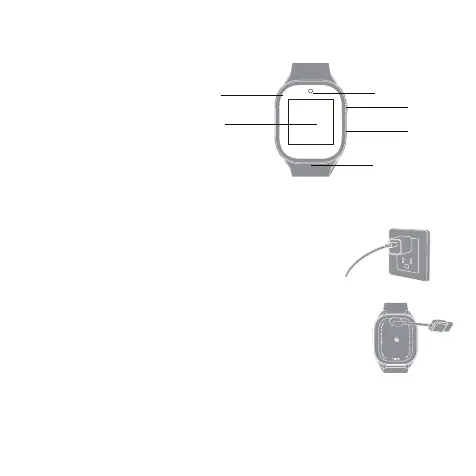
• Display screen and touch panel
• Camera
• Power button/SOS button
• Microphone
• Speaker
• Charging point
• SIM card tray
WATCH OPERATIONS
CHARGING NOISE SCOUT SMARTWATCH
Before using your Noise Scout for the irst time, charge the battery
to its full capacity.
-Plug the USB cable into a power adaptor and the adaptor into an
electrical socket. (Power adaptor not included).
-Place the magnetic charger on the magnetic charging points of
the watch.
-While your watch is charging, the screen will show its progress.
-Once the battery is fully charged, remove the charger.
-Use the charging cable provided with the watch to charge.
-On a single charge, Noise Scout can last up to 5 days of use, 2 days
with calling.
Note: The battery life and time to fully charge your device may vary
as per usage and other factors.
Display screen
Camera
Power/SOS Button
Microphone
Speaker
SIM card tray


 To Next Page