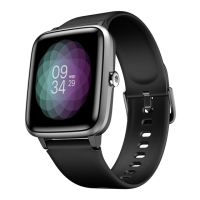
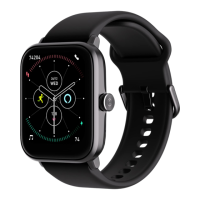
User Manual for Noise Scout 05
WATCH FEATURES
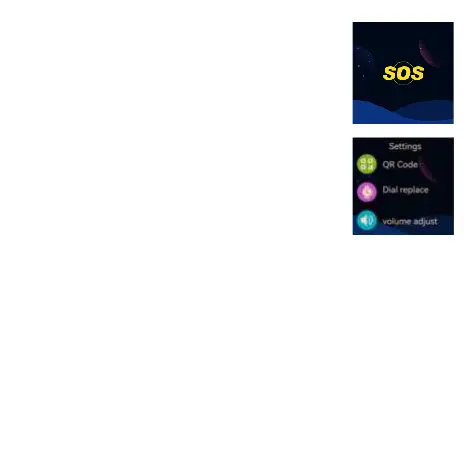
SOS FEATURE
This feature allows the user to send SOS-based notiications to the
contacts of their choosing.
Long press the side button to activate the SOS feature and send
notiications to the users who have paired with the Noise Scout
smartwatch.
SETTINGS
Noise Scout comes with a collection of features that ensure a
wholesome smartwatch experience.
QR code
-Scan the QR code to pair the watch with the Noise Buddy app in your
smartphone.
-Tap on the QR code.
-Scan the QR code to pair the smartwatch with your smartphone.
Watch face
You can also customise your watch face on the Noise Buddy app.
-Tap on the watch face.
-Swipe to choose the watch face as per your preference.
-Tap to choose the watch face.
Volume control
You can set the volume of the Noise Scout smartwatch as per your
preference.
-Tap on the volume control.
-Tap on the + or - to increase or decrease the volume as per your
preference.



 To Next Page