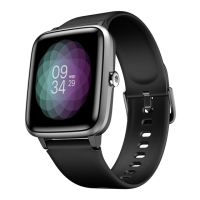
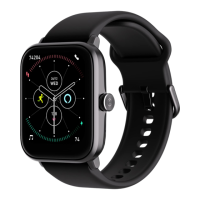
User Manual for Noise Scout 04
WATCH NAVIGATION
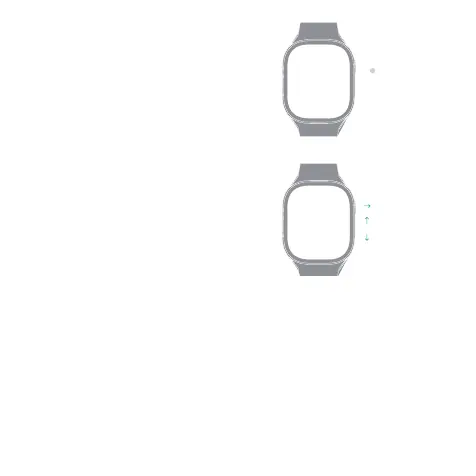
Navigate the watch by tapping on the screen,
swiping side to side, up and down and by pressing
the side button.
BUTTON NAVIGATION
Press the side button to turn on the watch display.
HOME SCREEN NAVIGATION
The home screen is the watch face.
From the home screen:
-Swipe right or left to go to the main menu.
-Swipe up to see step count.
-Swipe down to go to the quick settings menu.
Main menu
Step count
Quick settings
Press once


 To Next Page