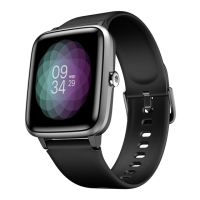
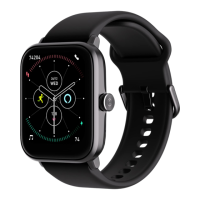
User Manual for Noise Scout 06
Brightness control
You can set the brightness of the Noise Scout smartwatch as per
your preference.
- Tap on the brightness control.
- Tap on the + or - to increase or decrease the brightness as per
your preference.
Auto screen o
You can set the auto screen time o timer as per your
preference.
- Tap the auto screen o.
- Choose the time from the options available.
Rise to wake
You can choose to turn the rise to wake feature on or o.
- Tap the rise to wake feature.
- Choose between yes or no to select.
Reset & restart
You can choose to restart and reset your watch.
- Tap on the restart and reset feature.
- Tap on restart and conirm.
- Tap on restore factory settings and conirm to reset the watch.
Note: Resetting the watch will delete all the data on the device.
Power o
You can choose to power o the Noise Scout smartwatch.
-Tap on power o and conirm to turn o the watch.
About watch
This feature lets you know the details about your device.
- Go to the about watch feature and see the watch details.


 To Next Page