USER INTERFACE
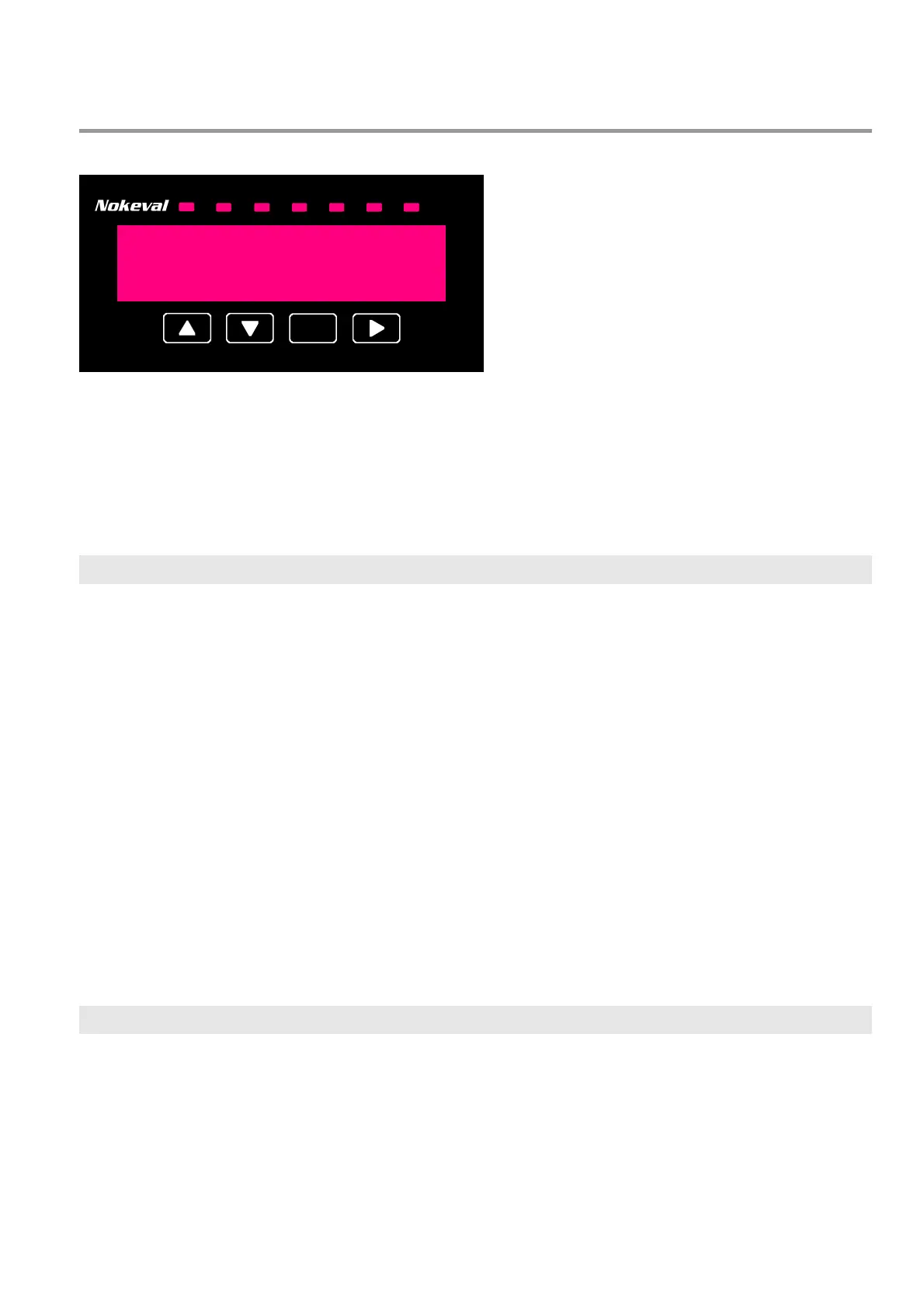
The panel meter front panel and the small display on large displays can be used to view the
readings and to change configuration settings. The user interface has four states:
• Normal state – indicating readings.
• Operator menu – adusting the alarm levels.
• Configuration state – changing the configuration settings.
• Monitor state – indicating troubleshooting readings.
Normal state and the indicator LEDs
After switching the power on, the user
interface is in normal state, indicating
readings. There is three modes for the
normal state, selected in the Master
configuration menu, item Gen/Mode:
• Single: Indicates only one pre-selected
channel using up to six digits. The channel
is selected in the configuration menu
Master/Gen/Ch.
• Step: The leftmost digit on the display
indicates a channel number, and the four
rightmost digits are indicating the reading
of that channel. The channel can be
changed manually with buttons ^v.
• Scan: Like Step but the displayed channel
is automatically stepped once a second.
• Scan2...Scan5: Like Scan, but slower.
Indicator LEDs A1…A4 indicate the state of
the alarms on the optional relay card. A1 and
A2 follow the alarms on slot C. A3 and A4
follow the alarms on slot B. If the C slot is
equipped with a three-relay card, the
indicators A1 to A3 are used for it.
The alarms can be programmed to blink the
display when active.
Indicator LED M2 is lit when an external
contact connected in slot A is active.
Conf LED is lit when the user interface is in
the configuration state.
* button may be used to perform taring if
configured so on the input card menu, or for
resetting the alarms if configured so on the
relay card.
Operator menu
The operator menu allows quickly adjusting
the alarm levels on the relay card installed in
slot C without entering the configuration
state.
The operator menu is entered from the
normal state with the > button. If a password
has been set for the operator menu
(Master/Gen/AlCode), it has to be entered
now.
> button is used to advance from one level
setting to another. While the button is kept
pressed, the name of the level is displayed,
e.g. AL2 = alarm level 2. After the last level,
> returns to the normal state.


 To Next Page