Using Additional Memory
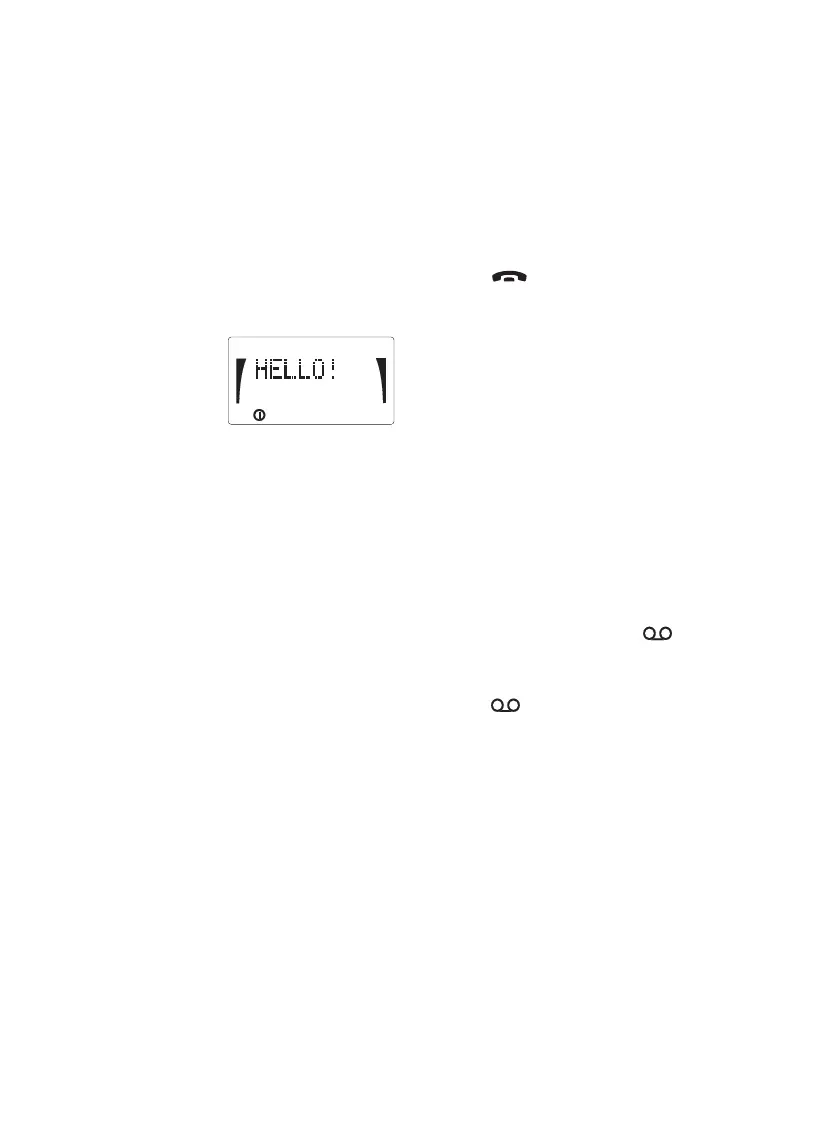
Welcome Greeting
You can store a personal welcome greet-
ing into your phone. The greeting will ap-
pear on the display when you switch the
phoneonandkeyinthePINcode,ifre-
quested.
To store:
Press ABC,keyin
the welcome text,
press MM999M.
To recall:
Press 999R.PressABC to check the
text.
To erase the welcome greeting from
the memory:
With the display clear, press MMM999
MM.
Temporary Memory
To store:
Duringacall,keyinatelephonenumber
and name on the display. End the call by
pressing , the information will be
stored in the temporary memory location.
To recall :
Press 0R.
Temporary memory will be cleared when
the phone is switched off.
Voice Mailbox Number
To store:
Key in the telephone number of your voice
mailbox, press M and press .
To recall :
Press R .
S
B
SERV
12 1998. Nokia Mobile Phones. All Rights Reserved.



 To Next Page