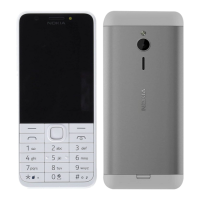
Nokia 230 User Guide
Edit Go to settings
On the bottom left of your home screen is Go to , which contains shortcuts to various apps
and settings. Select the shortcuts that are the handiest for you.
1. Select Menu > Settings > Go to settings .
2. Select Select options .
3. Scroll to each shortcut you want to have on the list and select Mark .
4. Select Done > Yes to save the changes.
You can also reorganize your list.
1. Select Organise .
2. Scroll to the item you want to move, select Move and where you want to move it.
3. Select Back > OK to save the changes.
TM and © 2024 HMD Global. All rights reserved. 13



 To Next Page