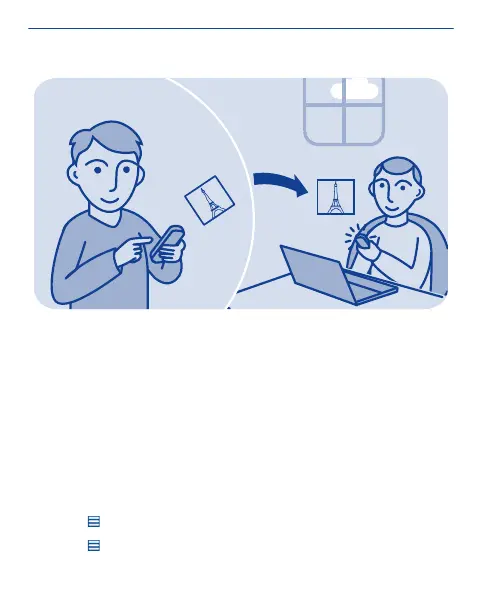
Send a photo or video
Send your photos and videos to your family and friends in a
multimedia message, mail, or using Bluetooth.
Select Menu > Photos.
1. Select the folder where the photo or video is.
2. Select and hold the photo or video, then select Send and how you
want to send it.
Send several photos at the same time
1. Select the folder where the photos are.
2. Select
> Mark, then mark what you want to send.
3. Select
> Send marked and how you want to send them.
70


 To Next Page