[ 138 ]
REPLACE THE FRONT COVER
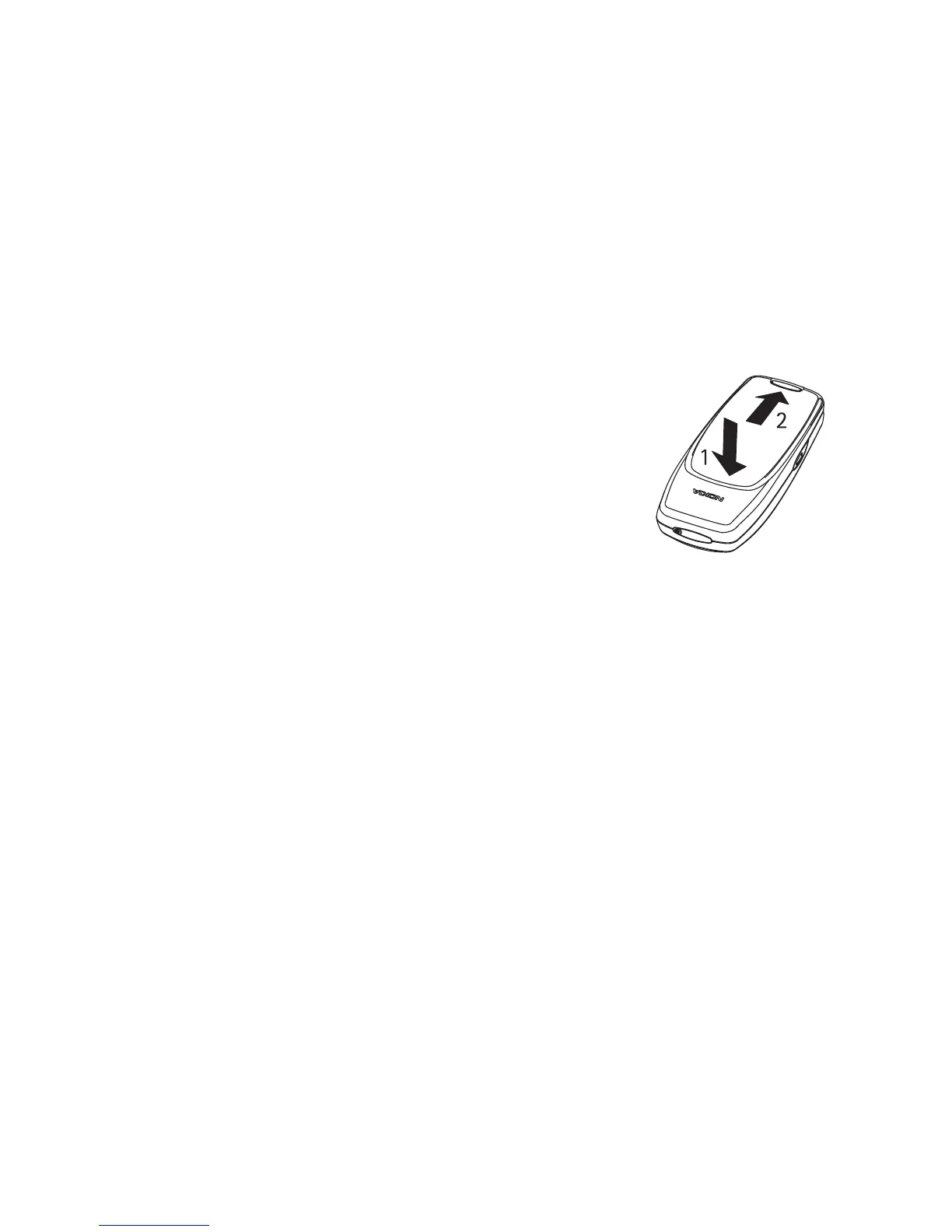
1 Slide the top of the phone into the top of the front cover. Be careful to
align the power key/IR port with its place in the top of the front cover.
2 Gently push the bottom of the phone into the bottom of the front
cover until it snaps into place.
REPLACE THE BACK COVER
1 Insert the two catches of the back cover in the corresponding slots in
the phone.
2 Slide the cover towards the bottom of the phone
until it locks into place.



 To Next Page