[ 62 ]
10 Personalize rings and tones
• WHAT IS A PROFILE?
A profile is a group of settings you can use to
customize the way your phone works. You can
set your own preferences for these items:
Ringing options Vibrating alert
Ringing volume Keypad tones
Ringing tone Profile name
Warning tones
Message alert tone
Your phone comes with five profiles:
Normal (default setting) Outdoor
Silent Pager
Meeting
• SELECT A DIFFERENT PROFILE
1 Quickly press the Power key.
2 Use and to move to the profile you want to use.
Profile names are highlighted as you scroll through them.
3 Press Select to select a profile.
Note: You can also change your profile under the Profiles menu.
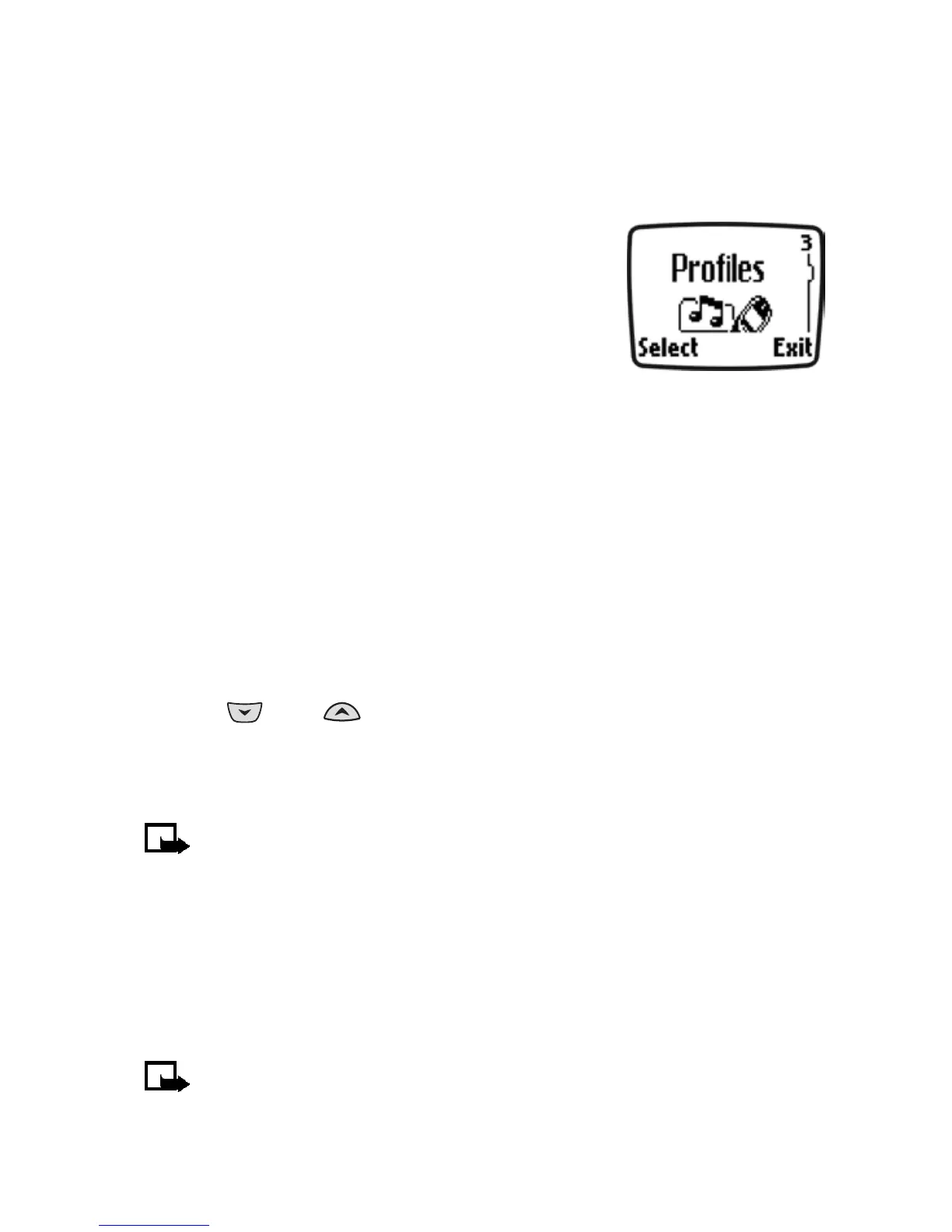
To access this menu, press Menu 3 (Menu > Profiles).
• CUSTOMIZE A PROFILE
1 Press Menu 3 (Menu > Profiles).
2 Scroll to the desired profile in the list and press Select.
3 Select Customize to view the options for the selected profile.
Note: When you change a setting in the current profile, it affects
only that profile. Your phone’s normal settings do not change.



 To Next Page