30Copyright © 2004 Nokia. All rights
Moving in the Menu
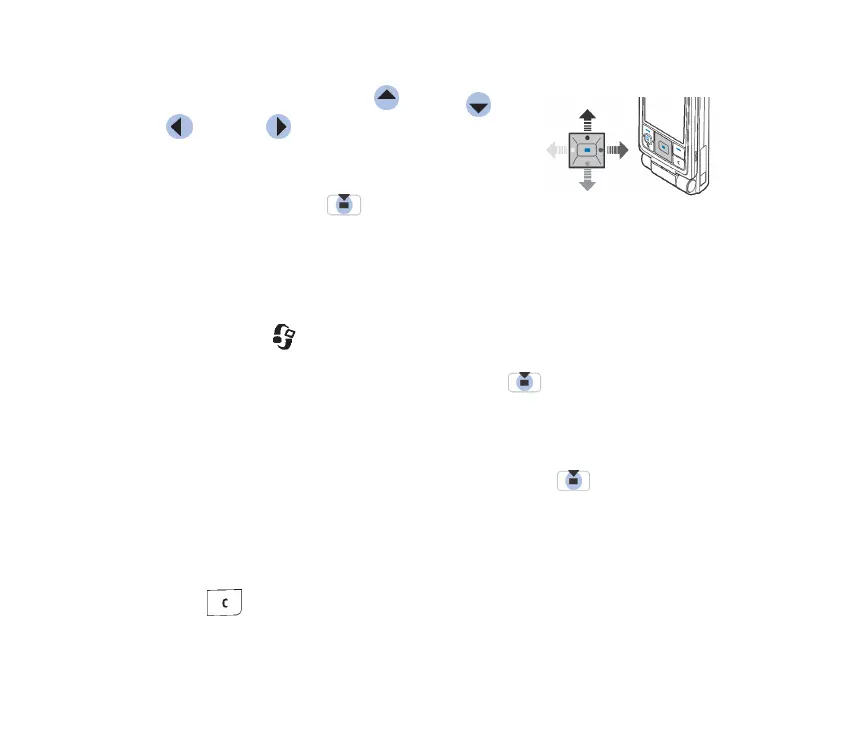
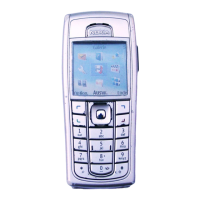
• Press the scroll key on the top , bottom , left
and right to navigate the Menu.
Opening applications or folders
• Scroll to an application or a folder and press the
centre of the scroll key to open it.
Closing applications
• Press Back or Exit as many times as needed to return to standby mode or select
Options→ Exit.
Switching between applications
• Press and hold to switch from one open application to another. The
application switching window opens showing a list of applications that are
currently open. Scroll to an application and press to go to it.
■ Actions common to all applications
• Opening items for viewing - Scroll to an item and press , or select
Options→Open.
• Editing items - Open the item for viewing and select Options→Edit. Use the
scroll key to scroll through all fields of the item.
• Removing, deleting items - Scroll to the item and select Options→Delete or
press . To delete many items at a time, you first need to mark them.



 To Next Page