18Copyright © 2005 Nokia. All rights
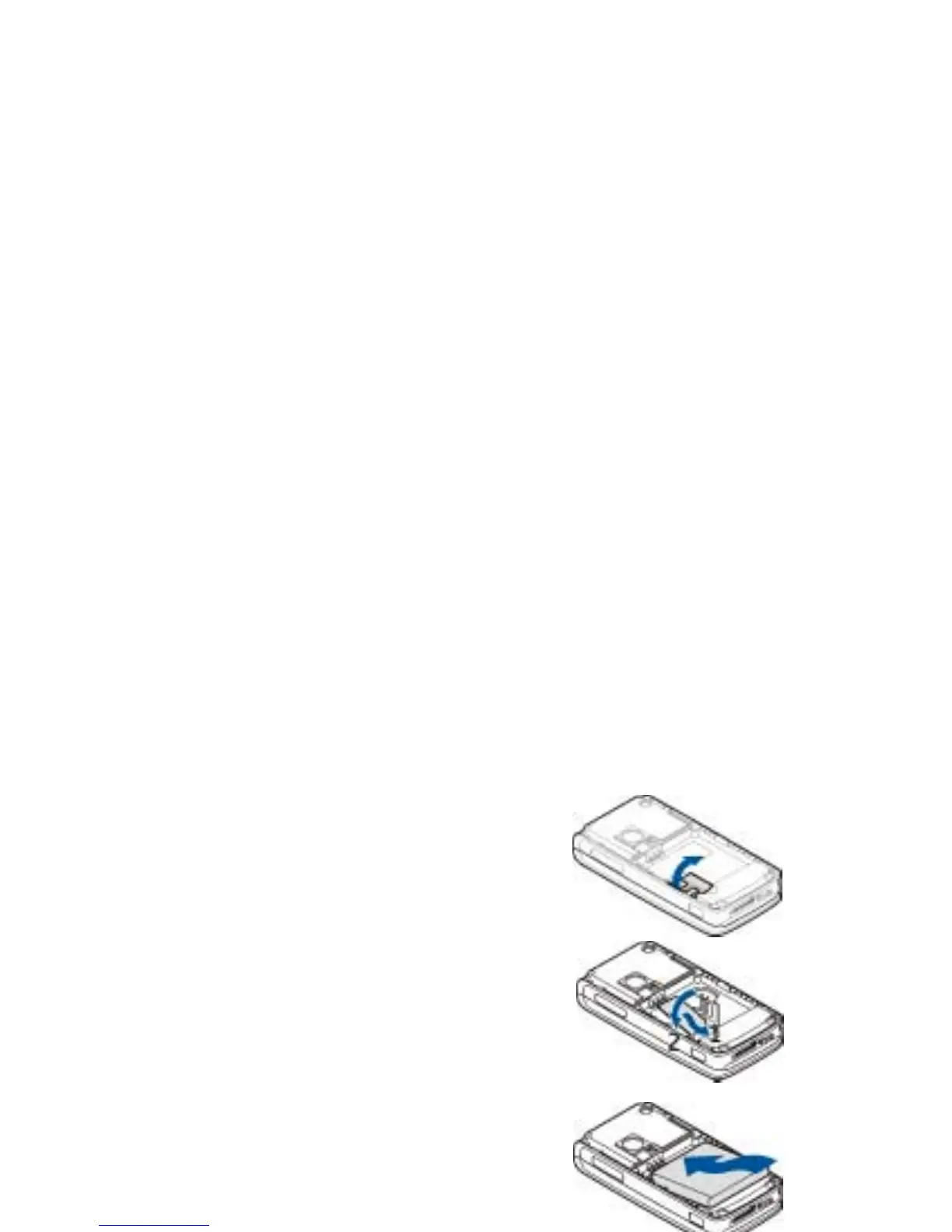
3. To release the SIM card holder, gently pull the
locking clip of the card holder, and open it (3).
4. Insert the SIM card into the SIM card holder
(4). Make sure that the SIM card is properly
inserted and that the golden contact area on
the card is facing downwards.
Close the SIM card holder, and press it until it
snaps into position.
5. Replace the battery (5).
6. Slide the back cover into place (6).



 To Next Page