Start up
Get to know your phone, insert the
battery, SIM card, and memory card, and
learn some important information about
your phone.
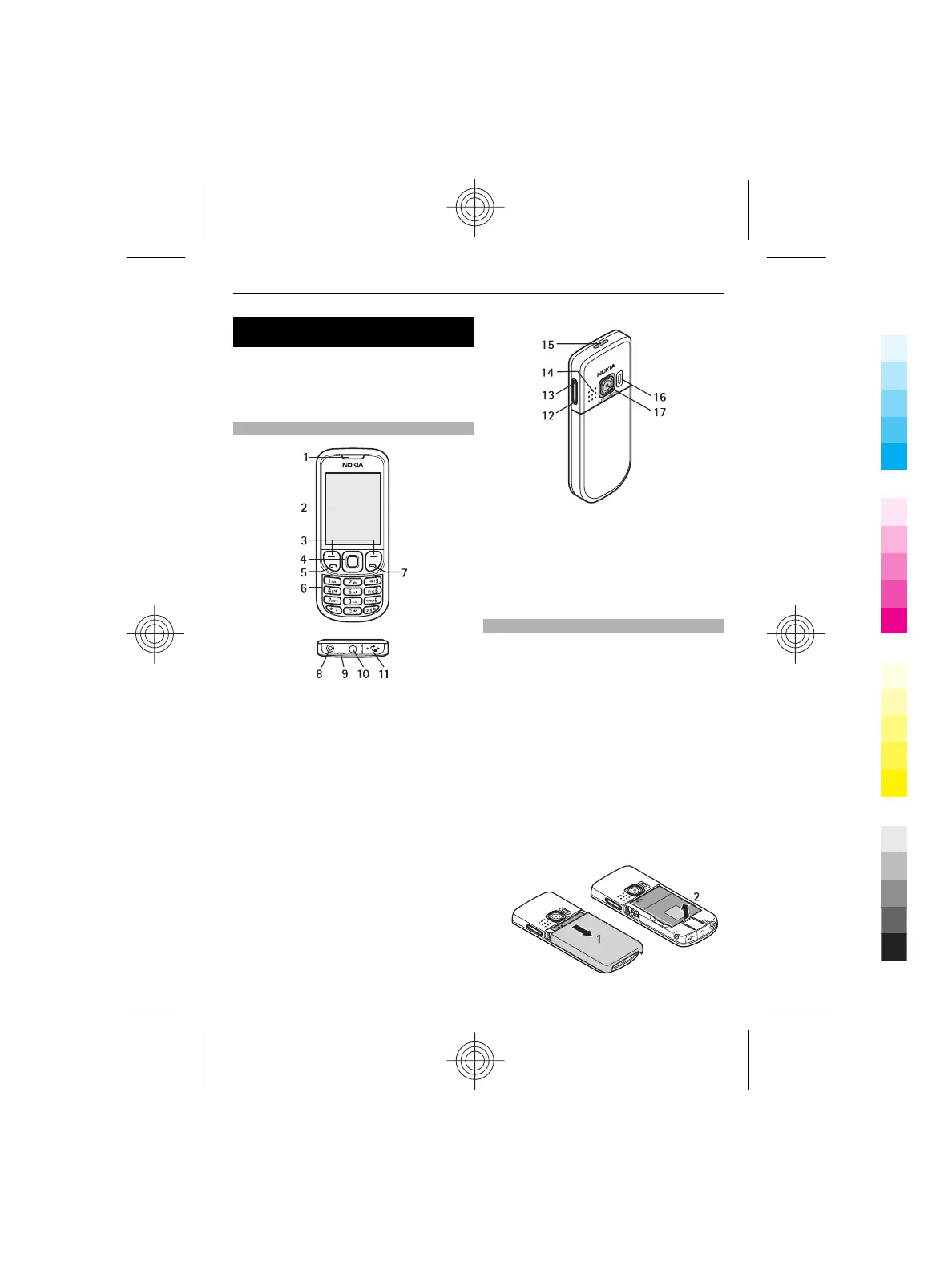
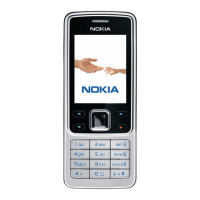
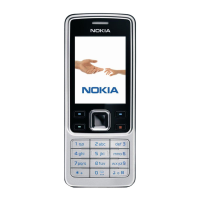
Keys and parts
1 Earpiece
2 Display
3 Left and right selection key
4 Navi™ key (scroll key)
5 Call key
6 Keypad
7 End key
8 Charger connector
9 Wrist strap eyelet
10 Nokia AV Connector (3.5 mm)
11 Micro USB cable connector
12 Volume down key
13 Volume up key
14 Loudspeaker
15 Power key
16 Camera flash
17 Camera lens
Install SIM card and battery
Always switch the device off and
disconnect the charger before removing
the battery.
This phone is intended for use with a
BL-5CT battery. Always use original Nokia
batteries. See "Nokia battery
authentication guidelines", p. 39.
The SIM card and its contacts can be easily
damaged by scratches or bending, so be
careful when handling, inserting, or
removing the card.
1 Slide the cover (1), and remove it.
Remove the battery (2).
Start up 5
Cyan
Magenta
Yellow
Black



 To Next Page