Do not connect products that create an
output signal as this may cause damage
to the device. Do not connect any voltage
source to the Nokia AV Connector.
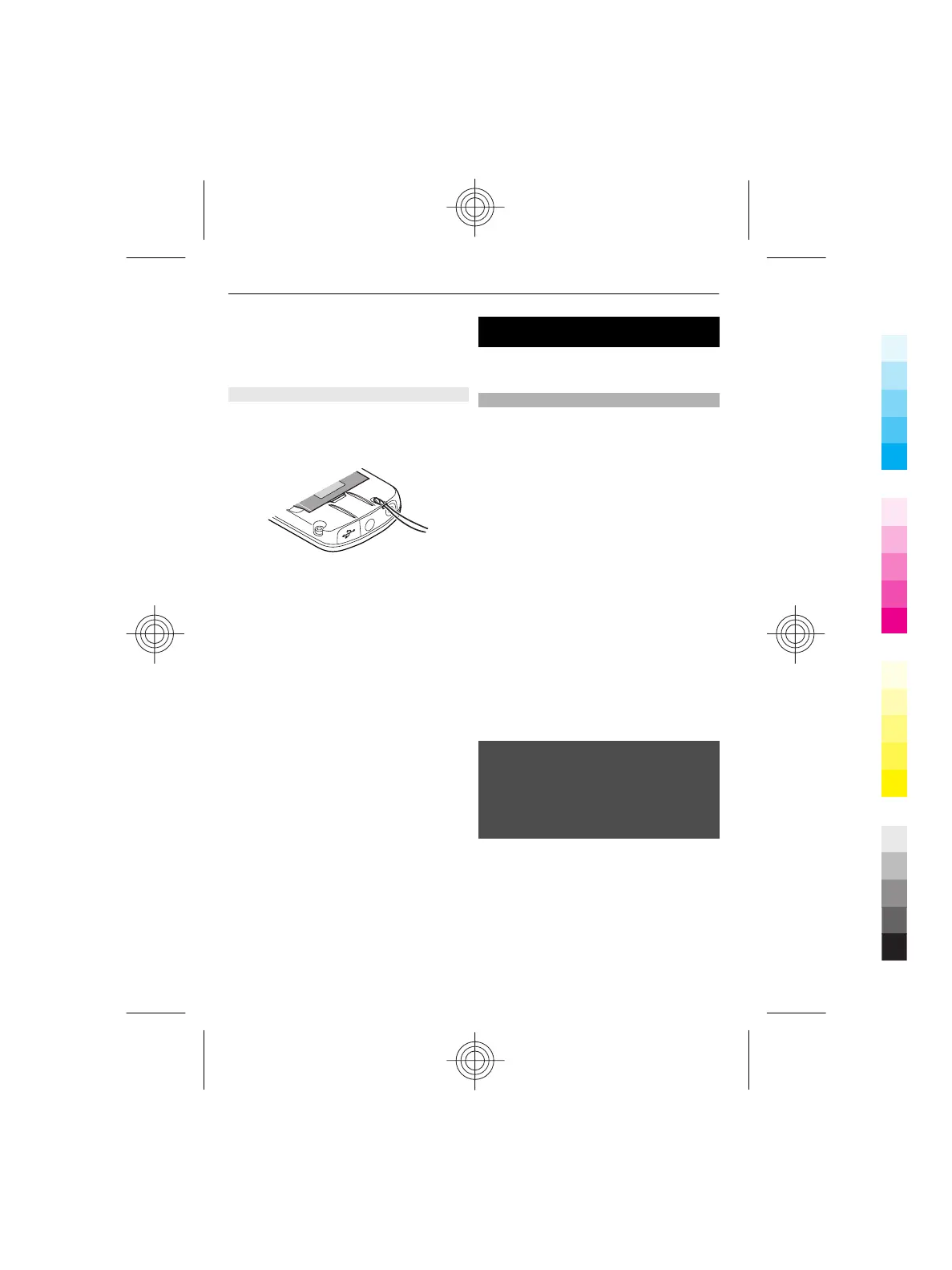
Strap
1 Remove the back cover.
2 Attach a strap, and tighten it.
3 Replace the back cover.
Switch it on
Learn how to switch on your phone, and
how to use the basic functions.
About your device
The wireless device described in this guide
is approved for use on the GSM 900, 1800,
and 1900 MHz networks. Contact your
service provider for more information
about networks.
When using this device, obey all laws and
respect local customs, privacy and
legitimate rights of others, including
copyrights. Copyright protection may
prevent some images, music (including
ringing tones), and other content from
being copied, modified, or transferred.
Your device may have preinstalled
bookmarks and links for third-party
internet sites. You may also access other
third-party sites through your device.
Third-party sites are not affiliated with
Nokia, and Nokia does not endorse or
assume liability for them. If you choose to
access such sites, you should take
precautions for security or content.
Warning:
To use any features in this device, other
than the alarm clock, the device must be
switched on. Do not switch the device on
when wireless device use may cause
interference or danger.
Make back-up copies or keep a written
record of all important information stored
in your device.
When connecting to any other device,
read its user guide for detailed safety
instructions. Do not connect incompatible
products.
8Switch it on
Cyan
Magenta
Yellow
Black



 To Next Page