Installation guidelines
08
© 2008 Nokia.
All rights reserved.
Connectors
Connectors for:
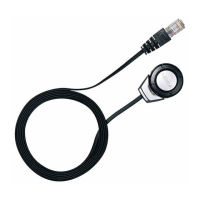
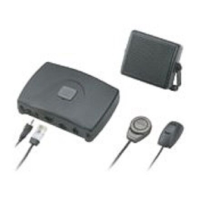
1. Microphone MP-2
2. RCA (phono, Cinch) cable
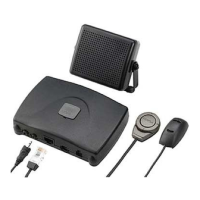
3. ISO power cable CA-152
4. ISO power cable CA-152
5. Loudspeaker SP-3
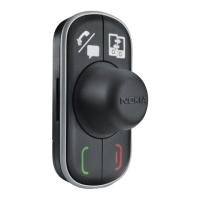
6. Input device CU-10
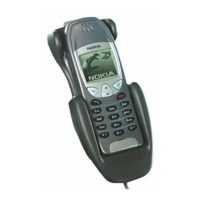
7. Charging cable CA-134
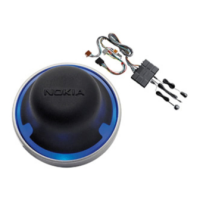
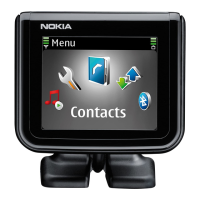
8. Display unit SU-34
9. Mini-USB cables
General
Cables in the sales package are coded and therefore cannot be mixed up.
Do not force connectors into other slots.
Mini-USB
Use this connector to flash the latest software into the hands-free unit;
remove cable after flashing.
Type label
The type label on the back of the hands-free unit shows the pinning of
the system connector.
Hints
Please note: car accessories must be installed or repaired by qualified professionals only.
Carefully read the User Guide and Installation Guide for each system to be installed.
09
6 7 8 9
Input
device
Microphone
Charging Cable Display
Mini-USB
2 3 4
5
System
connector
for ISO cable
Speaker
(optional)
Stereo
music
out
1
1 2 3 4 5
9 8 7 6


 To Next Page