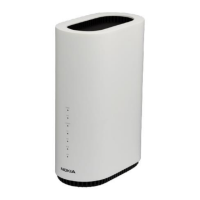
Nokia WiFi Gateway 3 Product Guide Configure a Gateway 3 (G-240W-E)
Issue: 01 3FE-47464-AAAA-TCZZA 63
Procedure 8 LAN status retrieval
1 Select Status > LAN Status from the top-level menu in the Ethernet Gateway window, as
shown in Figure 15.
Figure 15 LAN status window
Table 16 describes the fields in the LAN status window.


 To Next Page