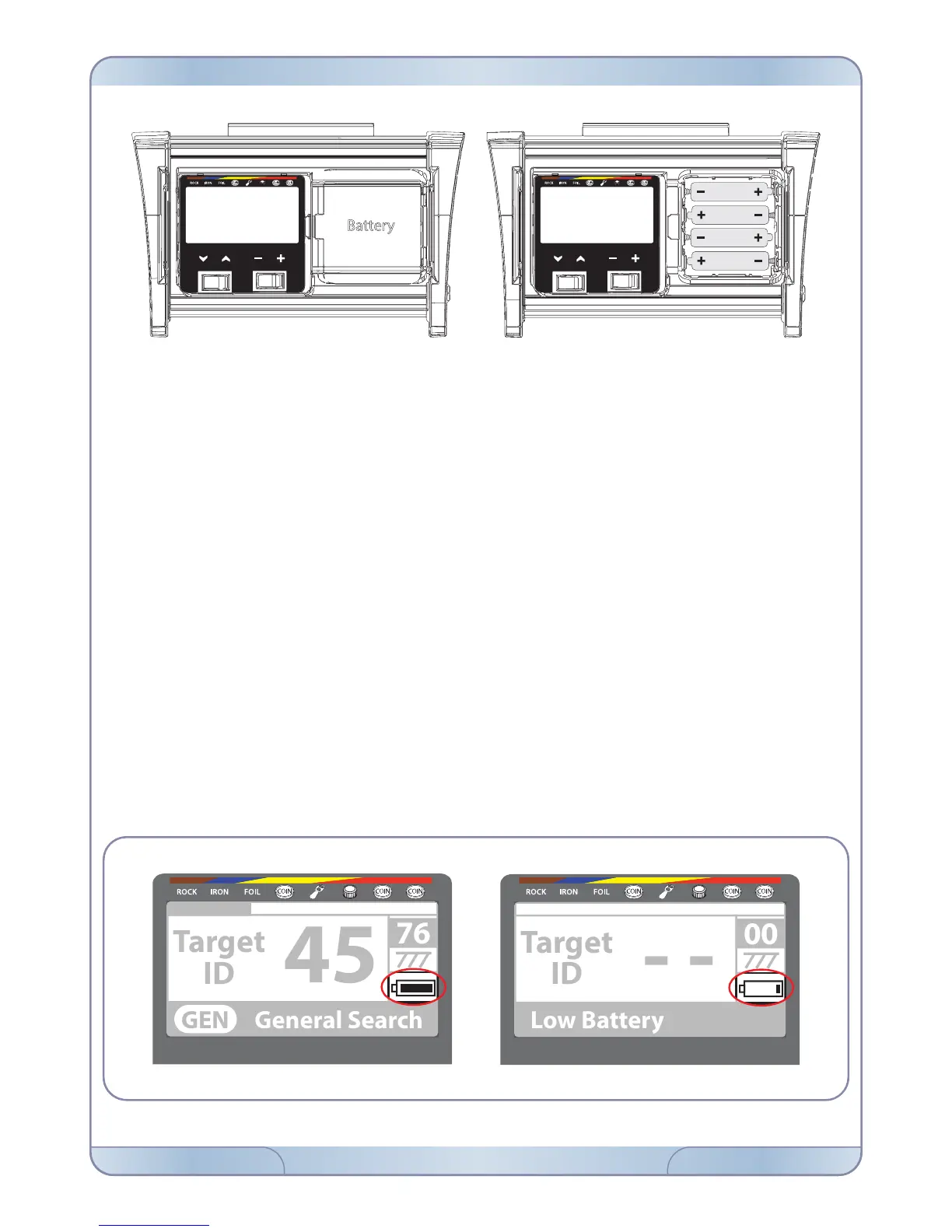
The device comes with 4 AA Alkaline batteries.
Slide and remove the battery compartment cover by pressing the latch. Insert the batteries
paying attention to the + (plus) and – (minus) poles.
When batteries are full, they will provide approximately 25-30 hours of use. Dierent types
or brand of batteries may have dierent lifetimes.
For best performance, using AA Alkaline batteries is recommended. You may also use high
quality rechargeable Ni-MH batteries. Rechargeable batteries with higher mAh (capacity)
ratings will provide longer run times. Using batteries with minimum 2500mAh is recom-
mended.
LOW BATTERY
The battery icon on the LCD panel indicates the battery life status. In addition, a warning
message will appear on the screen when the batteries are low. After the low battery
warning, the batteries will run approximately 3-4 more hours. This runtime will vary based
on the remaining battery charge. Ni-MH batteries have lower voltage so their remaining
runtime will be longer than Alkaline batteries. This does not aect the total runtime.
BATTERIES
FORS / Page 7www.noktadetectors.comNOKTA DETECTORS



 To Next Page