15
5.2 Calibrating with Weights
A complete calibration of the scale would include all the steps described in
this section in order: set the parameters, balance the scale, deadload the
indicator, and set the span.
5.2.1 Set the Scale Parameters
Set or verify all the parameter settings for your application. Refer to section
4 for details on the settings for common applications.
5.2.2 Balance the Scale
When loading test weights on the scale (for balancing or calibration), it is
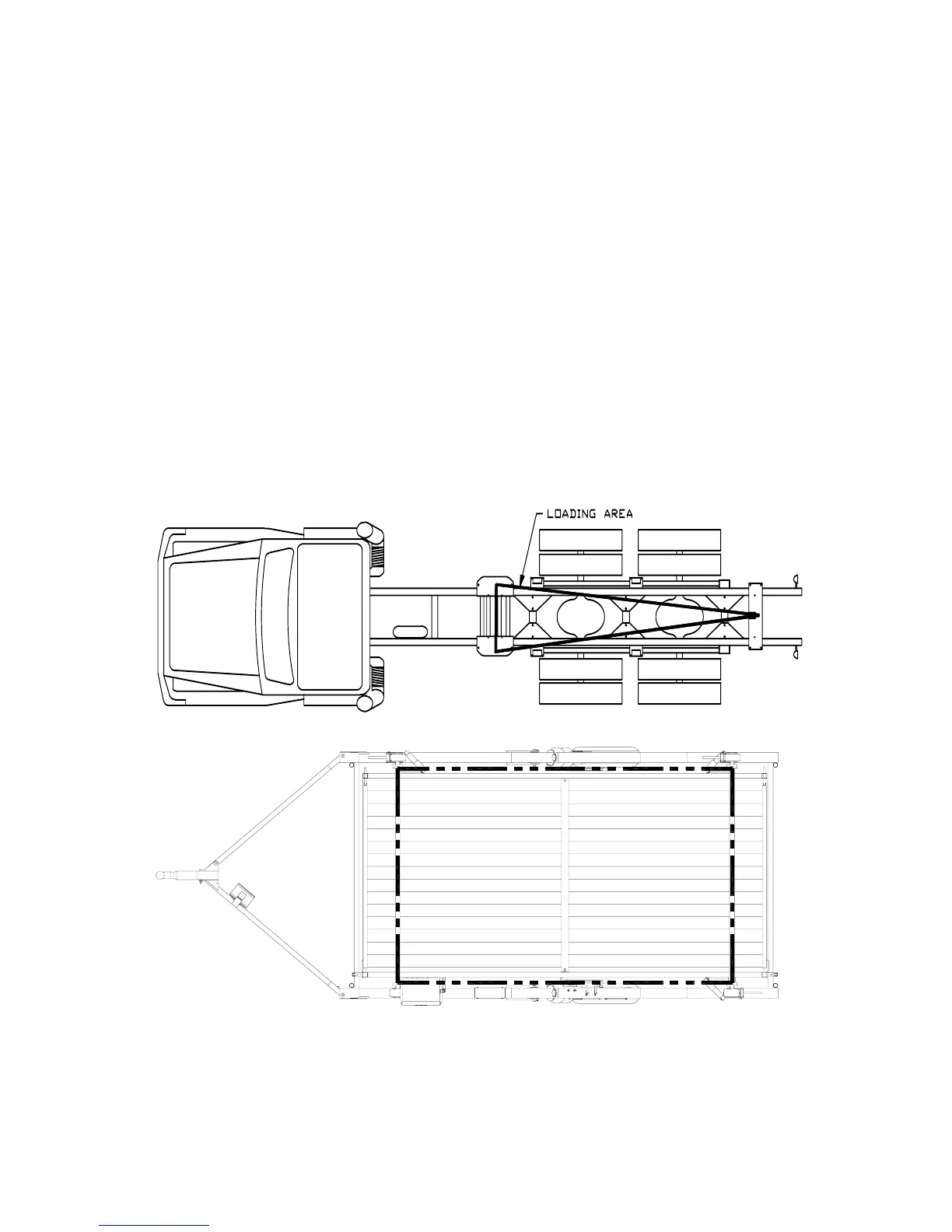
important to position the weights correctly for your application. Imagine lines
connecting the load cell positions (see below). Keep the weights inside the
area defined by the lines connecting the load cell positions. The loading area
for a typical onboard system is shown below.
Typical Loading Areas



 To Next Page