1 Introduction
This manual covers the complete line of NORAC scale instrumentation based
on the M2000 digital indicator. The list of instrument configurations, along
with their part numbers that are covered by this technical manual are shown in
section 2.
Please take the time to read this manual completely through before contacting
Norac for further technical assistance. If you have questions not covered by
this manual, please contact technical support at:
Phone (toll free): 1-800-667-3921
Extension 316
E-mail: service@norac.ca
2 Device Configurations
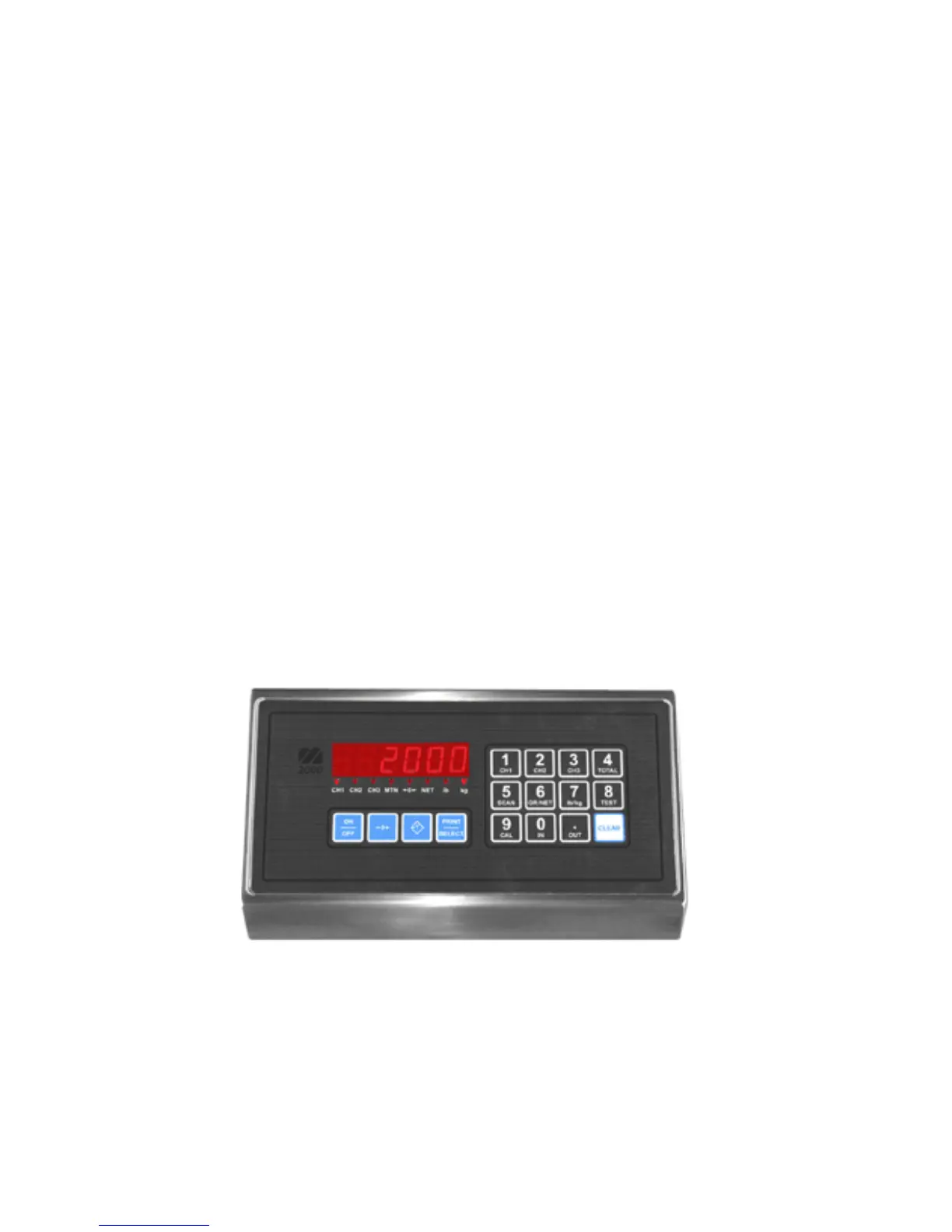
To identify the device your are dealing with, look for a part number on the
units serial plate. The pictures in this section will help identify the various
devices.
2.1 M2000 Desktop
Part Number: 82-M2000A-DT



 To Next Page