7
5 Icon Descriptions
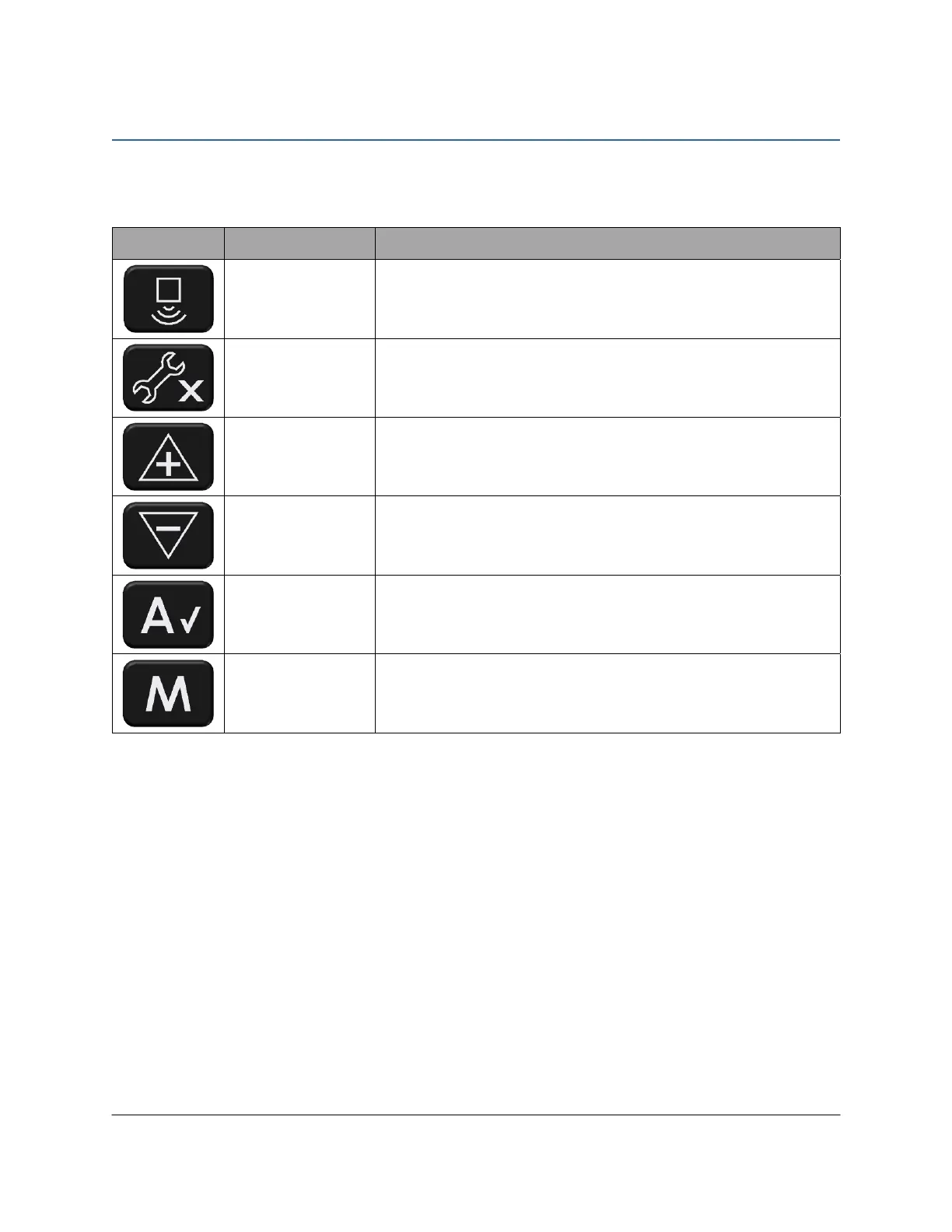
The following table illustrates and describes the icons used on the control panel buttons.
Table 1: Button Icons
Icon Name Description
Sensor Display Navigates to the Sensor Display menu.
Settings (No)
Navigates to the Settings menu.
Declines selections in some menus.
Plus Adjusts setting values.
Minus Adjusts setting values.
Auto (Yes)
Puts the system into Automatic mode.
Confirm selections in some menus.
Manual Puts the system into Manual mode.



 To Next Page