36
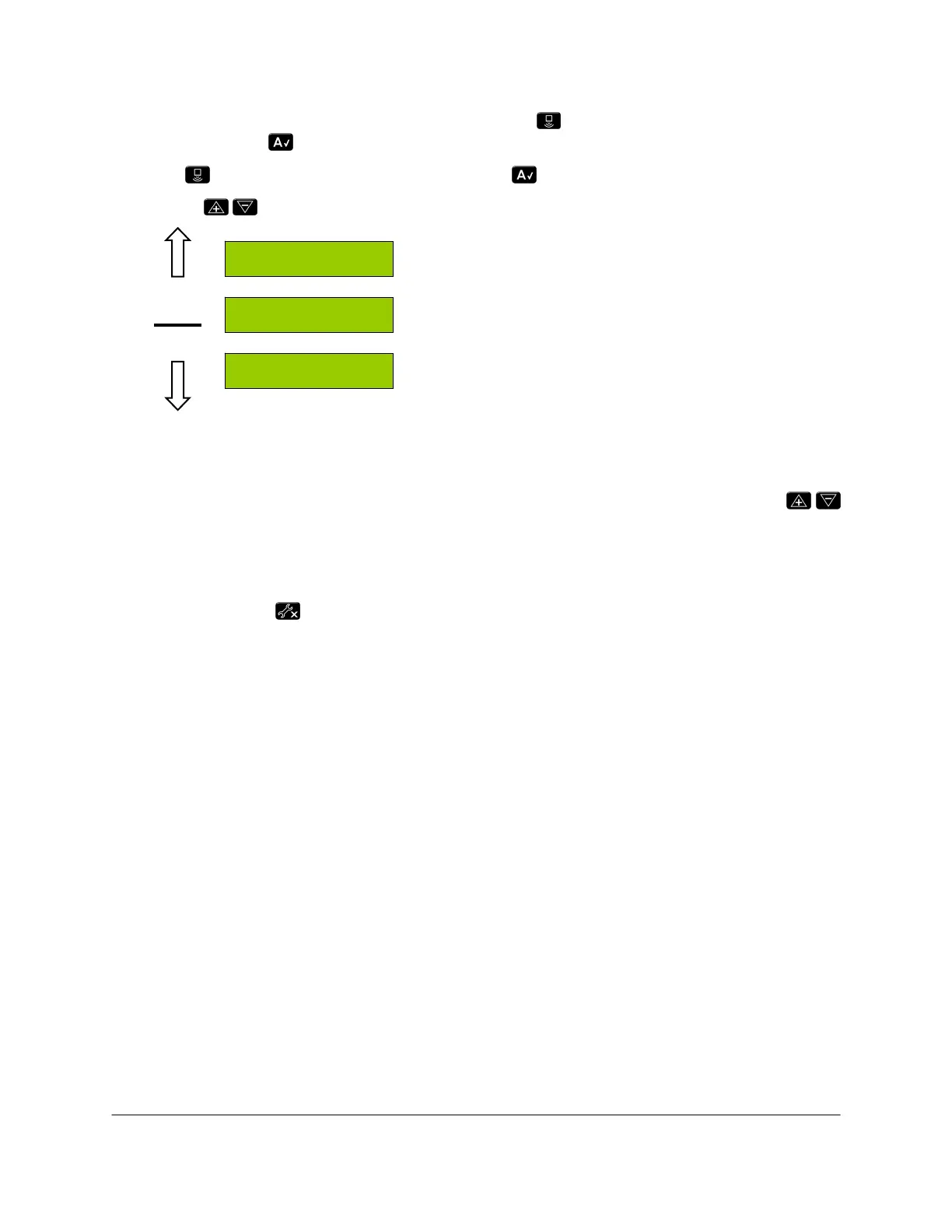
To access the minimum height mode settings; press from the run screen until "More?" is
displayed. Press to accept.
Press again until "Other?" is displayed. Press to accept.
Use the
buttons to change the settings.
Minimum Height Soil Mode (default is 0)
Minimum Height Crop Mode (default is 0)
Units (cm or inches)
Figure 16: Minimum Height Mode and Units Menu
10.6 Changing the Units
To change the units, simply navigate to the units menu as shown in Figure 16. Use the
buttons to change between inches and cm.
10.7 Valve and Air Temperature
Pressing and holding will cycle the display between the valve block temperature "VT" and
the air temperature "AT".
Metric (cm height) = Celsius
Imperial (inch height) = Fahrenheit
MHC 0
MHS 0
Units in
Sensor
Display
Setup



 To Next Page