21
Navigating to the Sensor Menu:
Ensure the UC4.5 control panel is in manual mode, at the run screen.
Navigate to the "More?" menu prompt in the SENSOR DISPLAY ( ) menu. Press to
confirm.
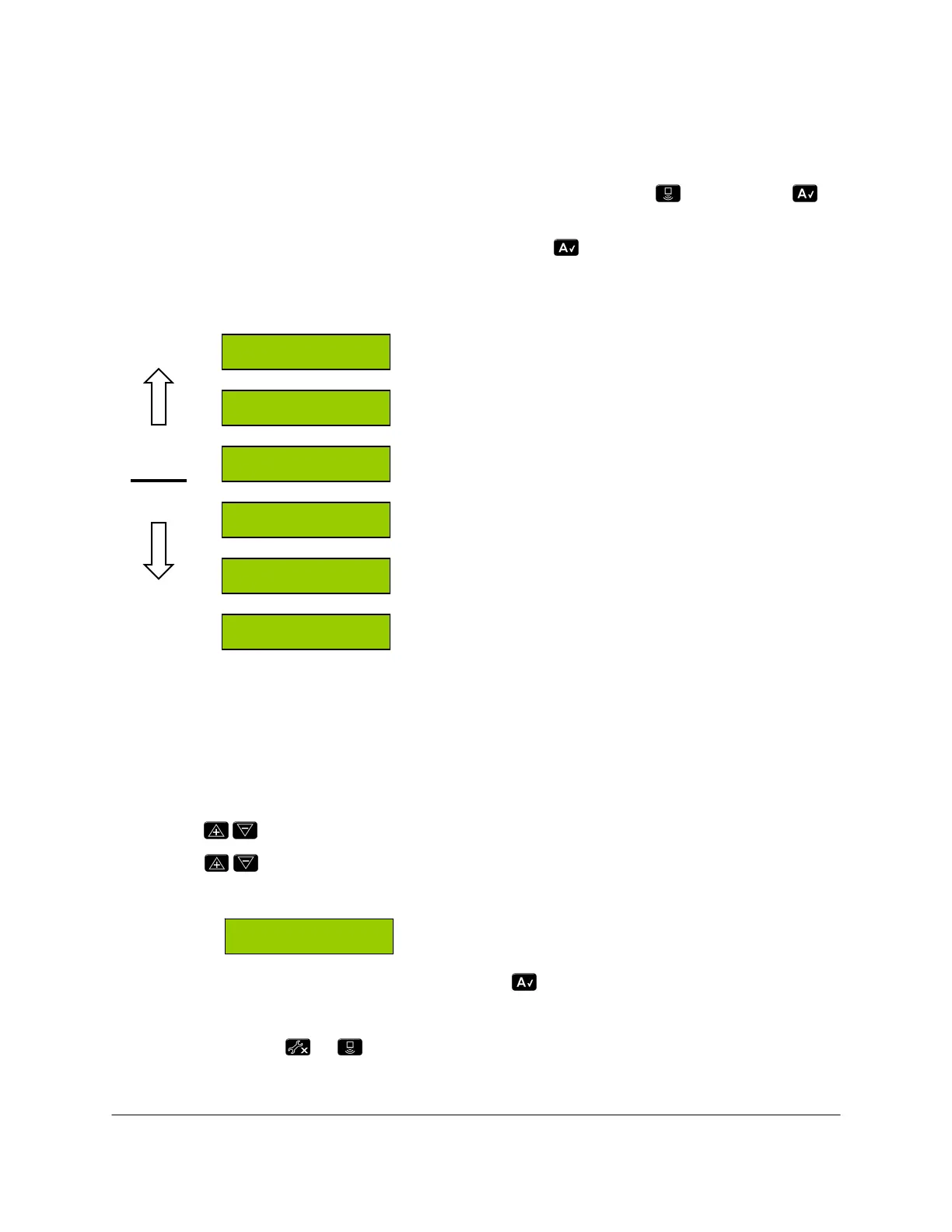
Navigate to the boom section to be changed. Press . The left channel menu prompts
are shown below. For other channels, the basic structure and behavior of the prompts is
the same.
Left Inner Height
Left Inner Sensor Firmware Version
Left Inner Serial Number
Left Outer Height
Left Outer Sensor Firmware Version
Left Outer Serial Number
Figure 8: Sensor Setup Menu (for Left Channel)
Entering Sensor Serial Numbers:
Navigate to the sensor location to be changed, for example, "LO" for the left outer sensor.
This screen will show the previously installed sensor serial number (if any) as shown in
Figure 8.
Use the
buttons to search for all connected sensors.
Use the buttons to toggle through a list of available sensor serial numbers with their
respective “live” height readings
Serial number (left) and live height reading (right)
When the desired serial number is shown, press button to confirm.
Proceed to "LOht" menu prompt to calibrate the sensor’s height reading.
Press and hold the or button for two seconds to return to the run screen.
LOht 45.0
2 0 0 1
LO 12405
LI 12406
2 0 0 1
LIht 42.5
12405 45
Sensor
Display
Setup



 To Next Page