EN
122
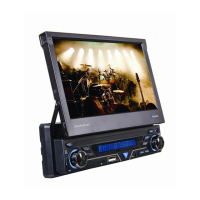
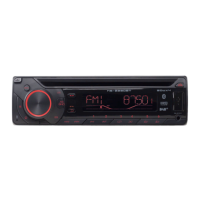
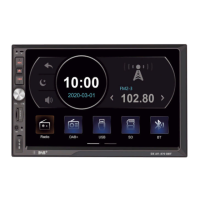
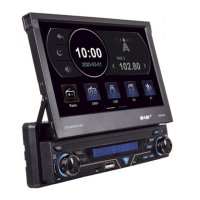
Control panel and the remote control
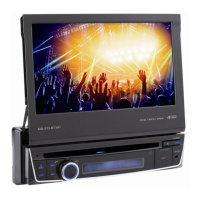
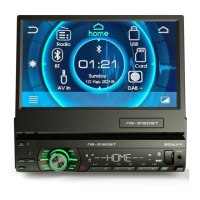
Description of the control panel
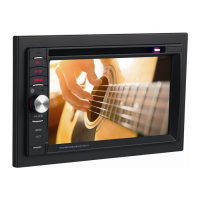
1. OPEN
• Press to eject TFT set the TFT screen tilt.
• Press and hold to retract the TFT screen.
2.
/
• Press to skip to previous/next track.
• Press and hold to search for tracks or fast forward/rewind.
3. SELECTION (SEL)
• Selecting the shortcuts of settings
4.
MOD
• Hangs up the ongoing call
• Select the available sources (Radio, BT, AV in, DAB+)


 To Next Page
 Loading...