EN
135
External input mode (AUX-IN)/AV input (AV-IN)
Selecting a source
Press the MOD button to select the
AV in mode or Press
to switch
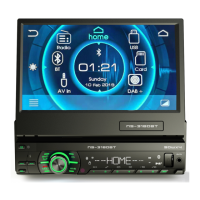
to the home page and select AV in
mode.
Settings
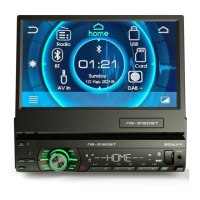
Press the
button to go to the home page, turn the volume
control knob to select Setting and then press the volume control
knob to open the Setting menu. Turn the volume control knob to
select a setting, press the volume control knob to confirm and then
turn the volume control knob to change the value and again press
the volume control knob to return to the settings selection mode.
System menu
Audio settings
Select the aspect ratio
16:9/4:3
Set the brightness of the
screen
Setting the date and time
Bluetooth settings
Command interface of your
car’s electronic steering wheel
Setting the keyboard color
System information


 To Next Page
 Loading...