3
Introduction
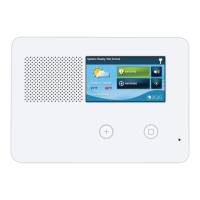
The 2GIG GC2e Security Panel is also a Security Enabled Z-Wave Plus home automation controller. This product can be
operated with other Z-Wave certied devices from other manufacturers. All non-battery operated nodes within the network
will act as repeaters regardless of vendor to increase reliability of the network. It is compatible with both Z-Wave Plus with
S2 Security and Legacy S0 Z-Wave automation devices.
Accessing the Z-Wave Toolbox
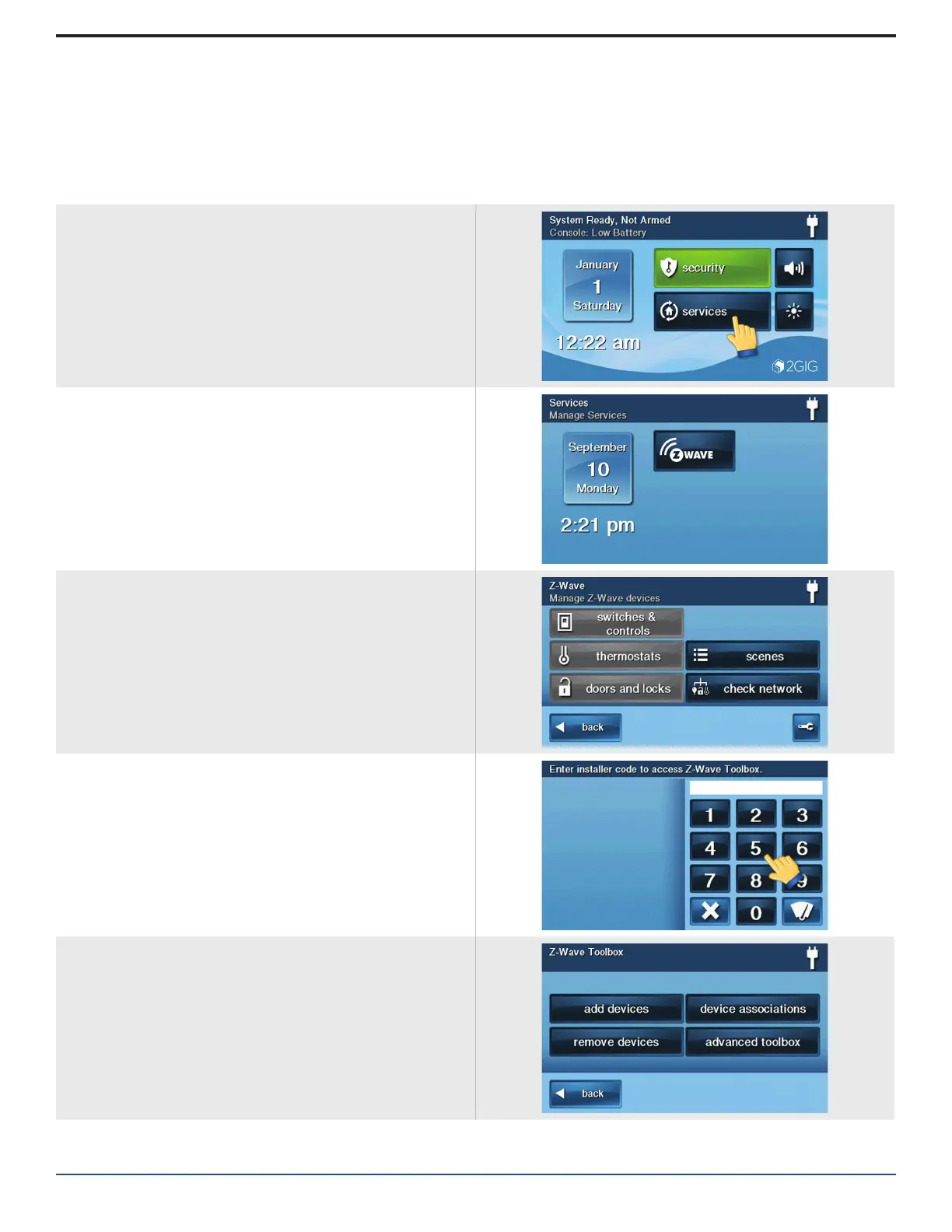
The Z-Wave toolbox is accessed through the services
menu from the Home Screen.
»
Press the services button.
»
Press the Z-Wave button.
»
Press the wrench button.
»
Enter Installer Code.
Notes:
»
The “default” Installer Code is 1561.
»
If Q85 is enabled in system conguration, the master
user code may be used to access the Z-Wave
Toolbox.
The Z-Wave Toolbox appears.


 To Next Page