EasyManua.ls Logo

Northern IP4DIR100 - Page 15

Northern IP4DIR100
43 pages
Print Icon
To Next Page IconTo Next Page
To Previous Page IconTo Previous Page
Loading...
IP4DIR100 Series IP Dome Camera · Quick Start Guide
14
14
1
1
1
A
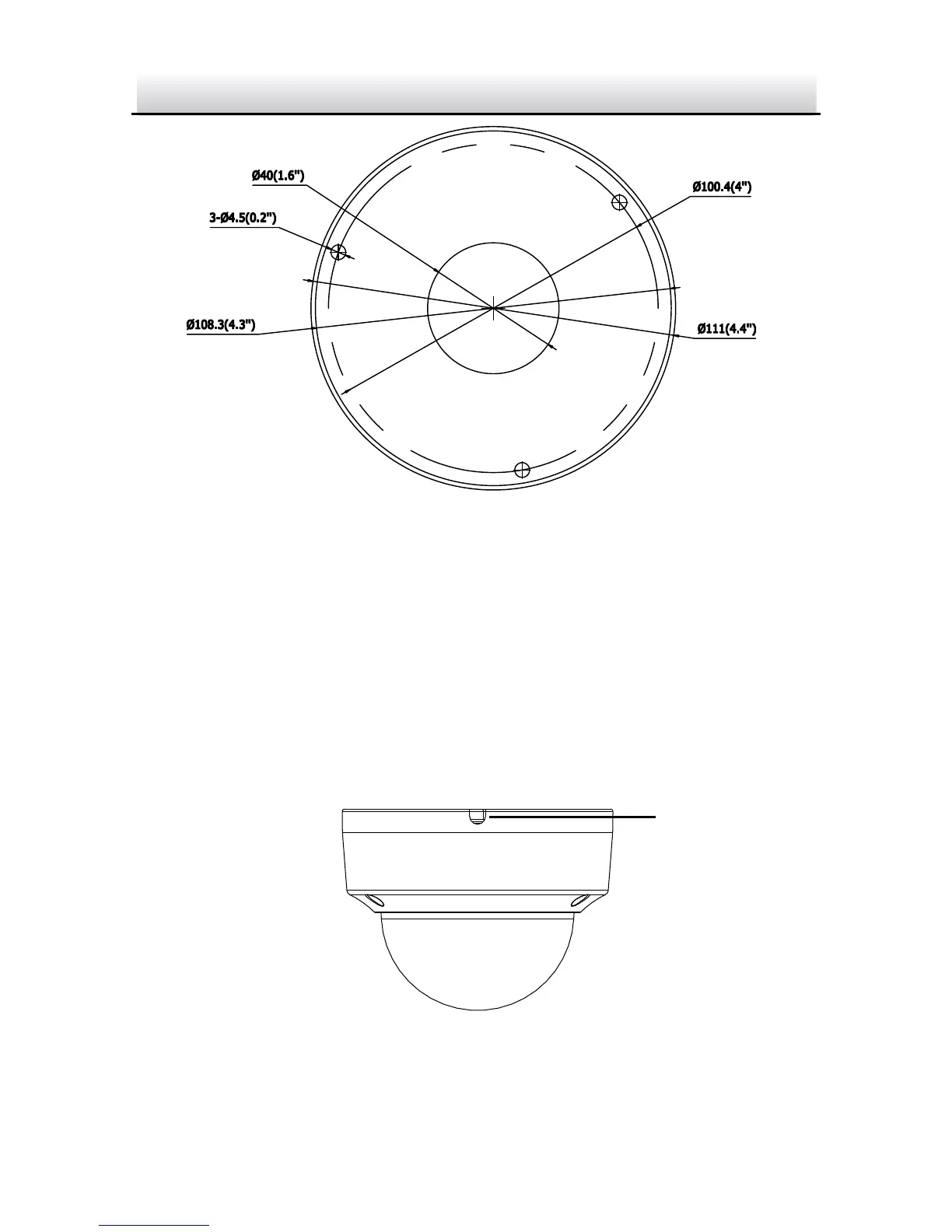
Drill Template
Hole A: for cables routed through the ceiling
Screw hole 1: for Mounting Base
Drill Template Figure 2-3
Notes:
If you choose to route cable through the ceiling, cut a cable
hole according to Hole A on drill template.
You can also route cable from the side outlet.
If you install the camera in outdoor, install the waterproof
jacket to the network cable. See Section 2.4.
Side Outlet Figure 2-4
Side Outlet

Related product manuals