Note:
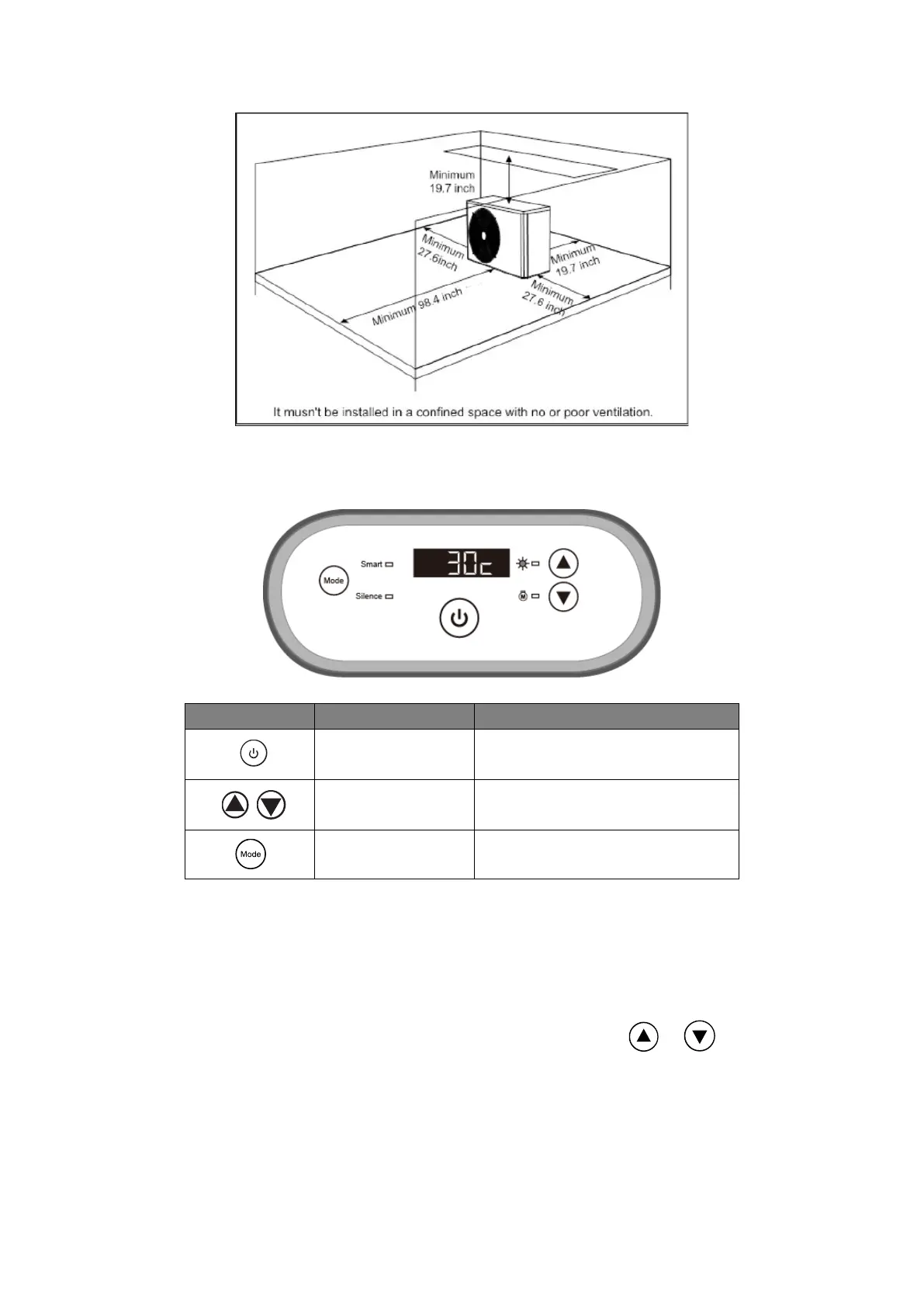
1. You may set the desired water temperature from 65 to 104℉.
2. Only the inlet water temperature is displayed, normally the outlet water temperature will
be 2-4℉ higher. And it will show the set temperature by pressing or button.
3. After you turn on the heat pump, the fan will start to run in 3 minutes. In another 30
seconds, the compressor will start to run. Furthermore, “Smart” mode will be selected
automatically, the “Smart” mode light will be on.
4. When the heat pump is turned on, the screen will display barcode for 10 seconds.



 To Next Page