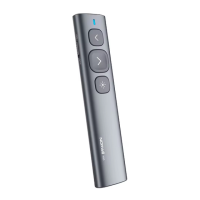
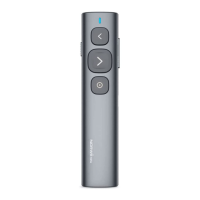
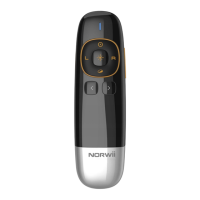
Need help?
Do you have a question about the NORWii N36 and is the answer not in the manual?
Details on using Page Up/Down keys for navigation and slide show control.
Explains compatibility with presentation software and keyboard emulation.
Features integrated USB receiver and plug-and-play operation for portability.
Covers Class 2 laser compliance and customizable key functions.
Lists the wireless presenter, USB receiver, user manual, and AAA battery.
Details radio frequency, control distance, laser power, wavelength, battery, and dimensions.
Outlines working voltage, dimensions, and weight of the USB receiver.
Operation of the power switch and physical laser button.
Detailed actions for page up and page down keys including long-press functions.
Using Tab, Enter, and Alt+Tab for navigation and task switching.
How page keys adapt function based on software and multiple presses.
Ability to customize page up/down keys via Norwii Presenter software.
Step-by-step guide for installing the AAA battery into the presenter.
Connecting the receiver to a USB port and automatic driver installation.
Basic operation after setup and instructions for powering off the device.
Guide on obtaining Norwii Presenter software and pairing the devices.
Diagnosing low battery indicators and dim laser beam issues.
Troubleshooting steps for when the PC does not detect the USB receiver.
Performing calibration for accuracy and configuring presenter software on macOS.
 General
| Brand | NORWii |
|---|---|
| Model | N36 |
| Category | Digital Presenters |
| Language | English |


 To Next Page