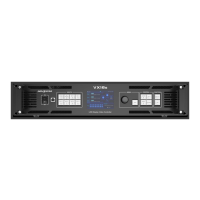
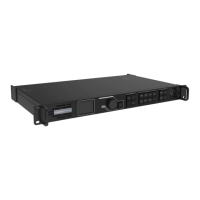
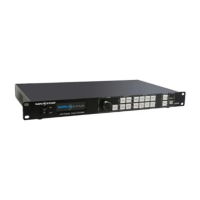
VC16 All-in-One Controller User Manual
Contents
Change History ........................................................................................................................................................................ i
Contents .................................................................................................................................................................................... ii
Overview .............................................................................................................................................................................. 1
Introduction.................................................................................................................................................................. 1
Features ......................................................................................................................................................................... 1
Appearance ......................................................................................................................................................................... 4
Front Panel ................................................................................................................................................................... 4
Rear Panel ..................................................................................................................................................................... 5
Applications ........................................................................................................................................................................ 9
Home Screen .................................................................................................................................................................... 10
Menu Operations ............................................................................................................................................................ 12
Screen Brightness .................................................................................................................................................... 12
Input Settings ............................................................................................................................................................ 13
Input Source Selection ................................................................................................................................. 13
Input Resolution Settings ........................................................................................................................... 13
RGB Limited to RGB Full ............................................................................................................................. 15
Window Settings ...................................................................................................................................................... 16
Add Windows .................................................................................................................................................. 17
Switch Window Input Sources .................................................................................................................. 18
BKG Settings .............................................................................................................................................................. 20
OSD Settings .............................................................................................................................................................. 21
Display Control .......................................................................................................................................................... 22
Preset Settings .......................................................................................................................................................... 23
Save Presets .................................................................................................................................................... 23
Load Presets .................................................................................................................................................... 24
Clear Presets ................................................................................................................................................... 24
Copy Presets ................................................................................................................................................... 24
Advanced Settings ................................................................................................................................................... 25
Device Backup ................................................................................................................................................ 25


 To Next Page