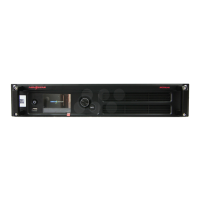
VX1000 All-in-One Controller User Manual
− When the device is connected with a fiber converter, the port
is used as an output connector.
− When the device is connected with a video processor, the
port is used as an input connector.
− Max. capacity: 1x 4K×1K@60Hz or 2x 2K×1K@60Hz video
inputs
OPT 2: For output only, with copy and backup modes
OPT 2 copies or backs up the output on 10 Ethernet ports.
Connect to the control PC or router.
USB 2.0 (Type-B):
− Connect to the control PC.
− Input connector for device cascading
USB 2.0 (Type-A): Output connector for device cascading
Connect to an external sync signal.
Accepts bi-level and tri-level signals.
IN: Accept the sync signal.
LOOP: Loop the sync signal.
Note:
Only the main layer can use the mosaic source. When the main layer uses the mosaic source, PIP 1 and PIP
2 cannot be opened.cc
XI'AN NOVASTAR TECH CO., LTD.


 To Next Page