Device Installation
Instructions provided in this section describe the hardware installation of the MT 3060 device.
WARNING! The MT 3060 is NOT a waterproof or sealed device. Keep the device away from water or
any other liquids.
NOTE: Prior to installing the MT3060, make sure the vehicle is parked on level ground with the ignition
off.
To install the MT 3060 in a vehicle, follow these steps:
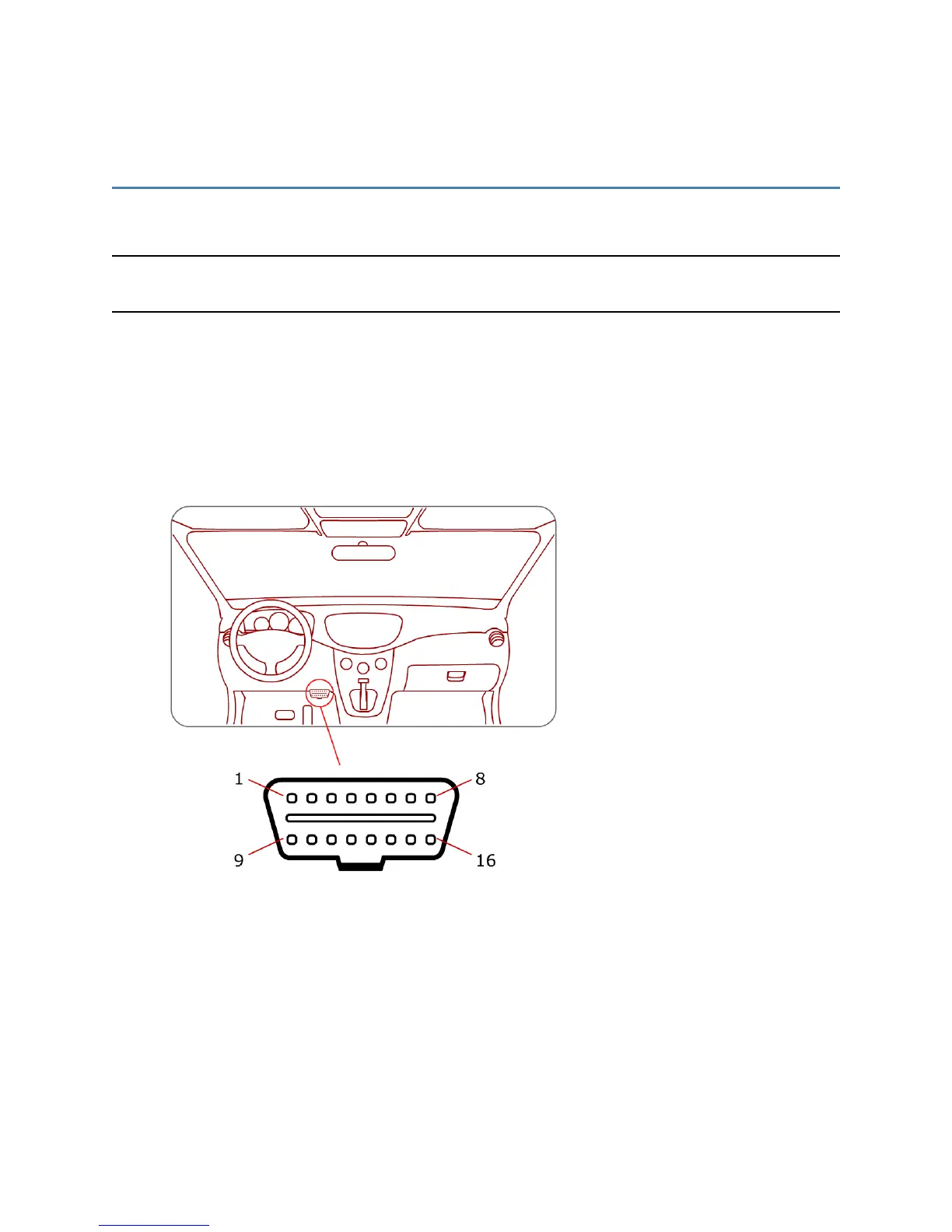
1. Locate the OBDII socket.
NOTE: The location will vary between different vehicle manufacturers, models, and production
years.
2. Carefully insert the MT 3060 into the OBDII socket.
After the device is installed, the GPS lock and the cellular connection LEDs illuminate or flash to
indicate the device is working properly. (For more information, see the LEDssection.)
NOTE: The device starts the accelerometer auto-calibration process immediately after the device is
installed and the vehicle's ignition is turned on.
MT 3060 User Guide 26



 To Next Page