SIM Installation
The GSM/GPRS and HSDPA versions of the MT 3060 includes an on-board SIM carrier. There is no
external access to the SIM.
NOTE: The CDMA 1xRTT version of the MT 3060 does not use a SIM, and therefore the device should
not be opened.
NOTE: You must obtain a SIM card from your network service provider. The operator must provision
the SIM card for data. Without the SIM installed, the MT 3060 modem cannot communicate with the
network.
WARNING! To prevent damage to the device or harm to you, Novatel Wireless highly recommends
that you use extreme caution when opening and closing the MT 3060.
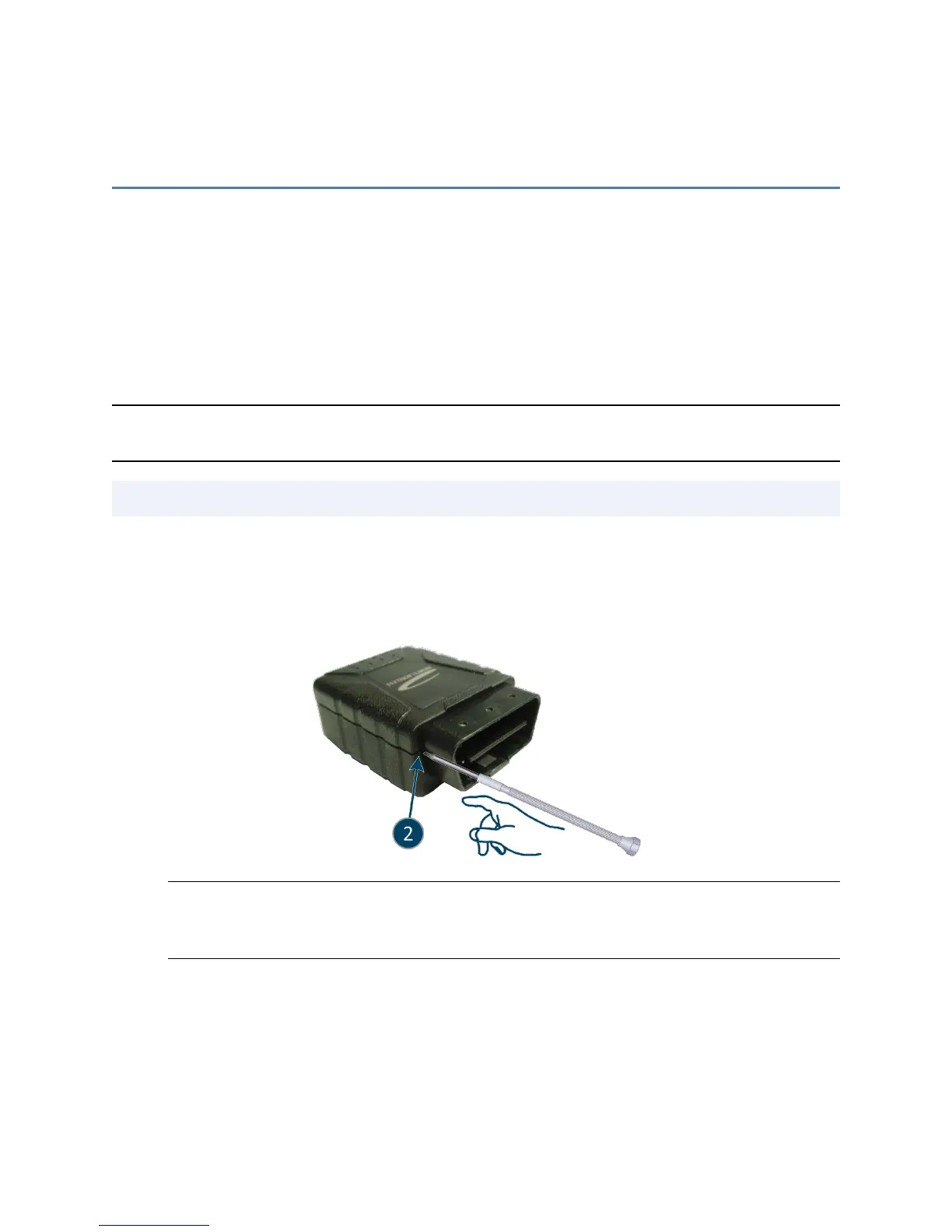
Tip: Use a 2.5 mm flat head precision screw driver to open the MT 3060.
To install the SIM into the MT3060:
1. Insert the screw driver into the seam between the top and bottom of the casing near the OBDII
connector to separate the case.
WARNING! When removing and replacing the cover take care not to damage the antennas.
The antennas are situated in the top housing and at the rear of the device as indicated in the
following image.
MT 3060 User Guide 22



 To Next Page