10
System Preparation
7
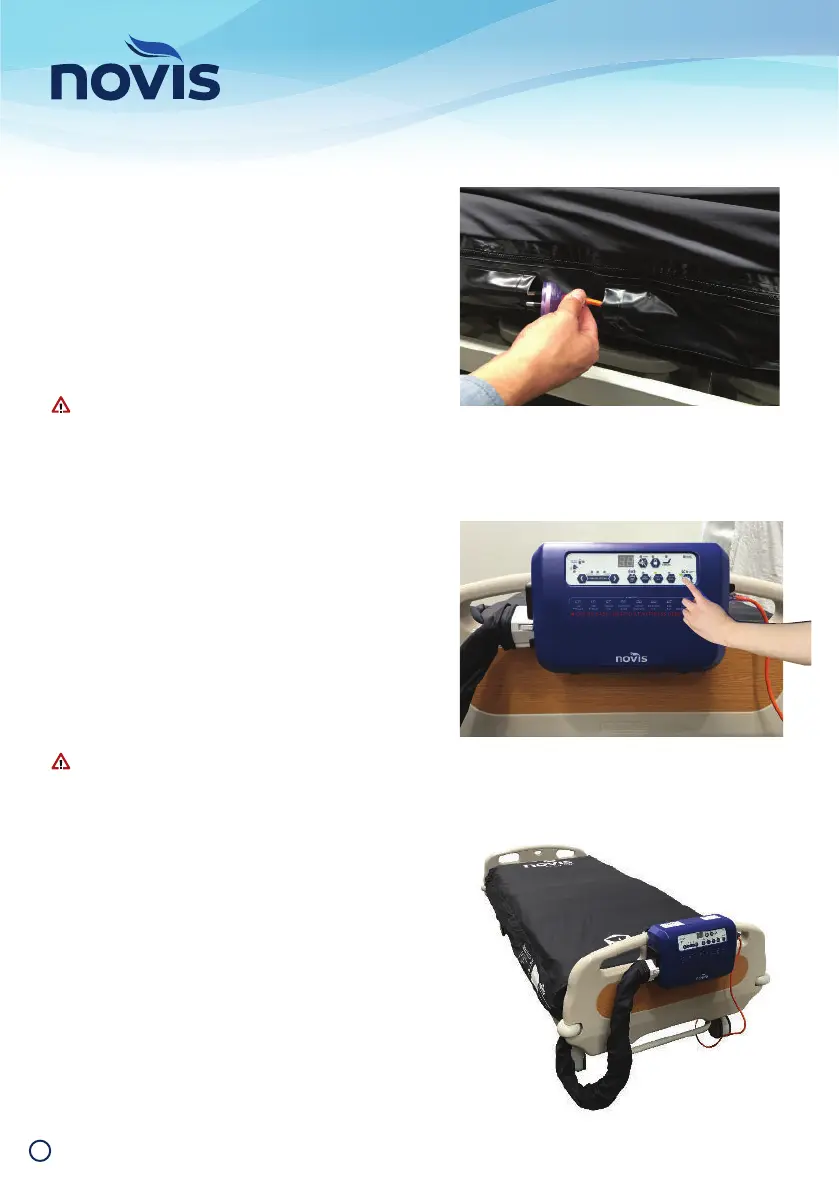
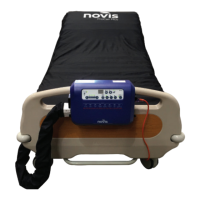
Feed power cord through the cord retention
loops along either side of the mattress base.
I nse r t p owe r co rd pl ug i nto th e s id e of t he
control unit, then connect to an appropriate
electrical outlet and switch on mains power.
The Power indicator will glow amber,
confi rming the control unit is connected to a
power source.
Ensure the power cord is not under strain; is
free from obstruction; and is secured safely so
as not to be a trip hazard.
8
On the control unit, press and hold the Power
button for a minimum of three seconds. The
Power indicator will glow green to indicate
the system is operational and automatically
infl ating.
While infl ating, three Pressure Setting
indicators will fl ash green and the Max
Infl ate indicator will fl ash amber. Allow up to
45 minutes for complete infl ation.
Do not lie a person (or any weight) on the
mattress during initial infl ation.
9
When initial infl ation is complete, the
Pressure Setting and Max Infl ate indicators
will extinguish, to indicate the system is
ready for use.
The system automatically defaults to
Alternating Mode at start up, with AutoCair
feature (automatic weight detection)always
in operation.


 To Next Page