19
ProCair Plus User Guide
Top Cover Removal
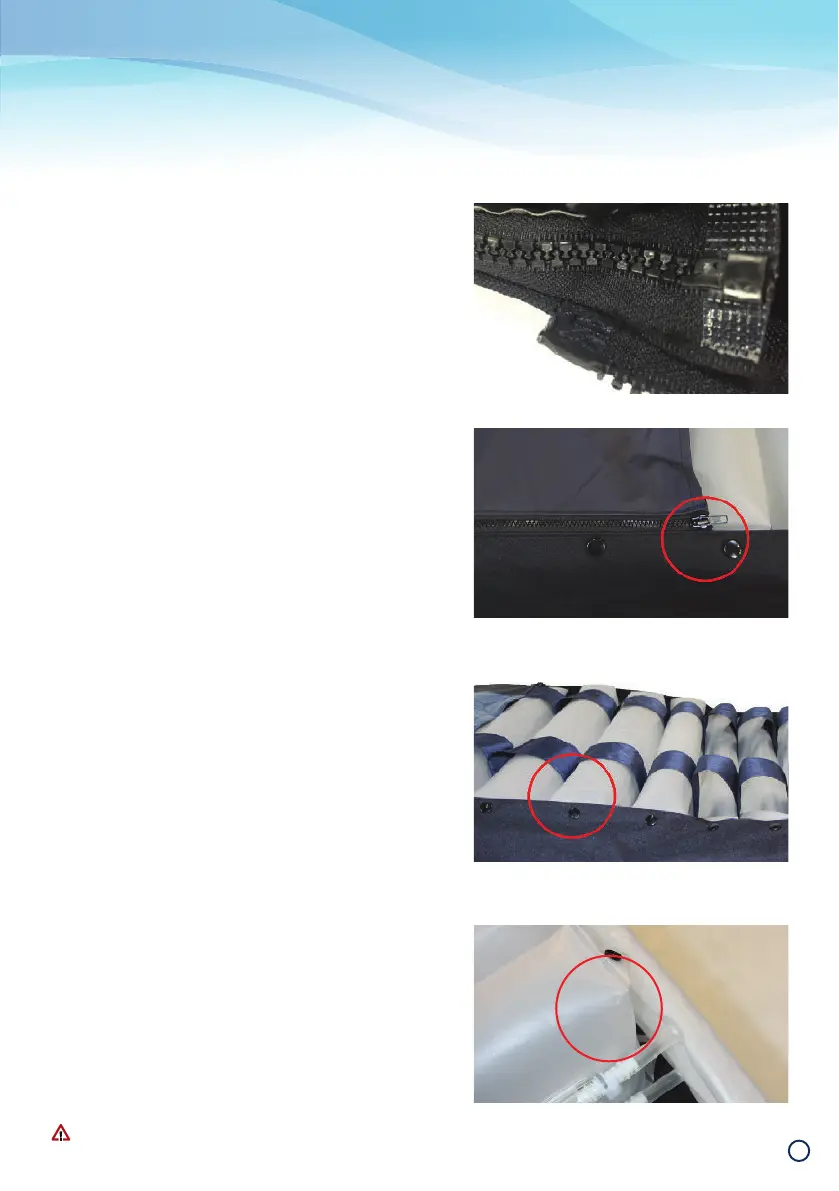
5 Raise the waterfall skirt and locate the zippers at the
foot end of the mattress.
6 Starting with either zipper, run the zipper along the side
of the mattress towards the centre of the head end.
7 Repeat with other zipper. The top cover can now be
detached from the mattress base.
To reattach, fi rst reattach the zipper running in the opposite
direction to the CPR. Second reattach the zipper running
towards the CPR. Then close both zippers by zipping towards
the foot end of the mattress.
Bed Exit Pad Removal
The Bed Exit detection pad can be removed from the
mattress base to allow removal or cleaning of air cells
underneath. It will remained connected to the mattress via
the signal wire, which cannot be removed except by a trained
technician.
To remove, unzip the pad from each side of the mattress and
lift up gently, taking care not to fold or crease the pad. Place
the pad on a clean, fl at surface alongside the mattress.
Air Cell Disconnection
1 Once top cover is removed, disconnect the press studs
which fasten the air cells to the mattress base – there
are two press studs located on each side of the cell,
one at the top and one at the bottom.
2 The static head cells have one connector, while all
other cells have two connectors.
3 Detach the cell by releasing the quick release air hose
connectors and pull the air tubes out from the retain-
ing strap.
4 Reattach the air cell by sliding into the retaining straps,
reconnecting the air hose connectors and reconnect-
ing the press studs.
Refer to the relevant Technical Services User Guide for
detailed maintenance support.
Care and Cleaning
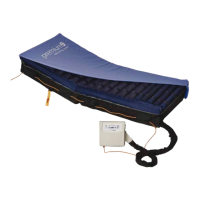
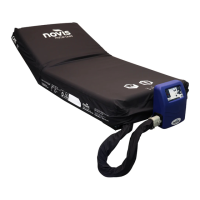
Note: Non-Sealed Mattress model shown in image.
Note: Non-Sealed Mattress model shown in image.


 To Next Page