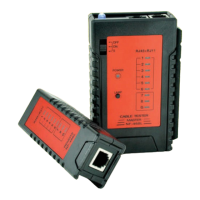
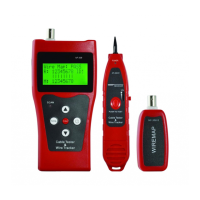
N e t W o r k
C a b l e T e s t e r
1 . w i r e m a p
2 . p a i r &l e n g t h
3 . c o a x / t e l
4 . s e t u p
Product operation methods
Start and display:
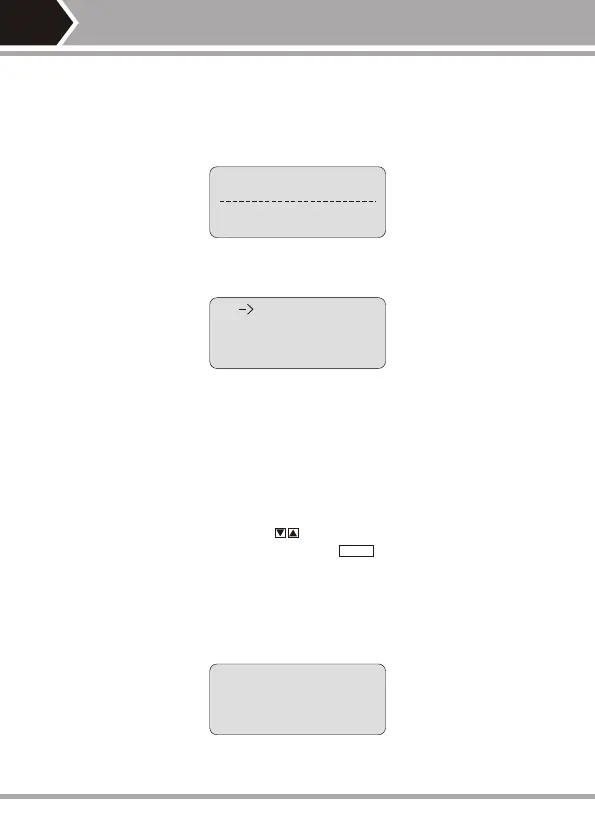
Carry out self-checking at the same time (The dotted line dynamically displays
the course of self-checking from left to right):
5 seconds or push any arbitrary key to display main menu.
Main menu display:
PAIR&L
Wiring diagram (WIREMAP) test function:
After entering the wiring diagram (WIREMAP) test function, the tester shall
carry out wiring diagram (WIREMAP) test and displays as follows while
checking is being undertaken:
----Te s t i n g ----
-05-
There are four functions to be chosen on main menu.
1. WireMap --- Wiring diagram measurement to check end-to-end con-tinuity
of cables M, L, R and locate error.
2. Pair & Length ---Pair and measure length to verify cable length,open circuit
distance, pairing and cross-talk interference.
3. Coax/Tel --- Coaxial cable and telephone line measurement to check
continuity and indicate open circuit and short circuit.
4. SETUP---Calibrate and set up the tester (Refer to description hereinafter).
With main menu display, push key to move cursor indicator up
and down to desired item and then push key to enterrelated test
function accordingly.
“->”
12345678...


 To Next Page