23
OLS4 Features
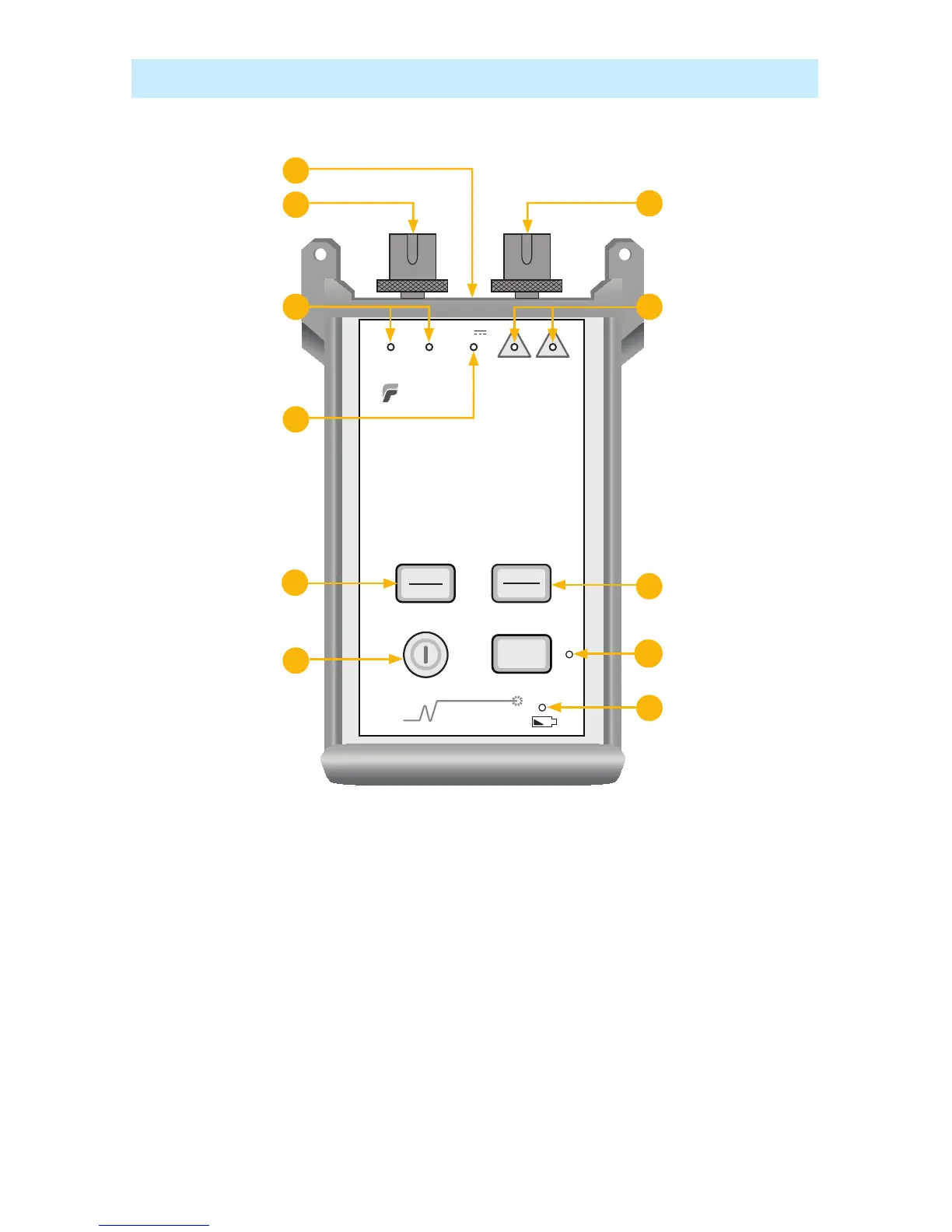
Power key1. - Press and hold the key until all indicators light up to turn the OLS4 ON or OFF. The
OLS4 turns on in its default condition: 850/1300 nm Dual mode sending Wavelength ID.
Power port2. (located on the top panel) - This is the interface for an AC power adapter.
External Power indicator3. - Lights up, whether the unit is on or off, when the correct AC power
adapter is connected.
Low Battery indicator 4. - Lights up when a Low Battery condition exists; batteries require
replacement.
MM output port5. - Universal Connector Interface (UCI). Accepts swappable SC connector (ST, FC,
and LC connector styles are available).
SM output port 6. - Universal Connector Interface (UCI). Accepts swappable SC connector (ST, FC,
and LC connector styles are available).
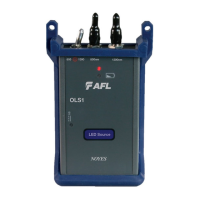
OLS4 Integrated LED and Laser Light Source



 To Next Page