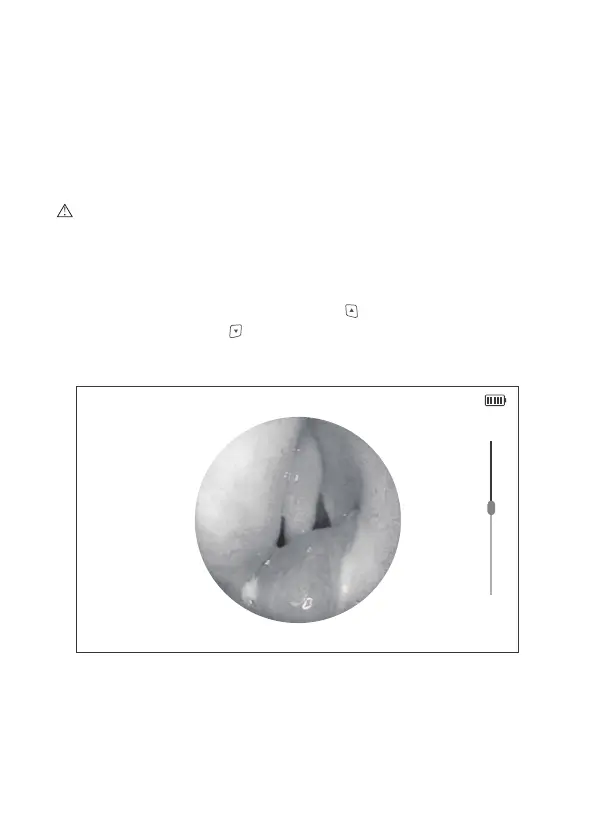
Figure 6 Image Zooming
2014/08/14 20:37:30
2.3 Real Time Observation
Being in preview mode, adjust the focusing ring located on the optical interface
to make a clear view of the current object. Move the object you can see the
moving process from the LCD screen.
Caution: If the view is off centering from the screen, please check if the
endoscope is connected well with the optical interface.
2.4 Image Zooming
In the preview mode, press the upward button to zoom-in an image, and
press the downward button to zoom-out an image.
12


 To Next Page