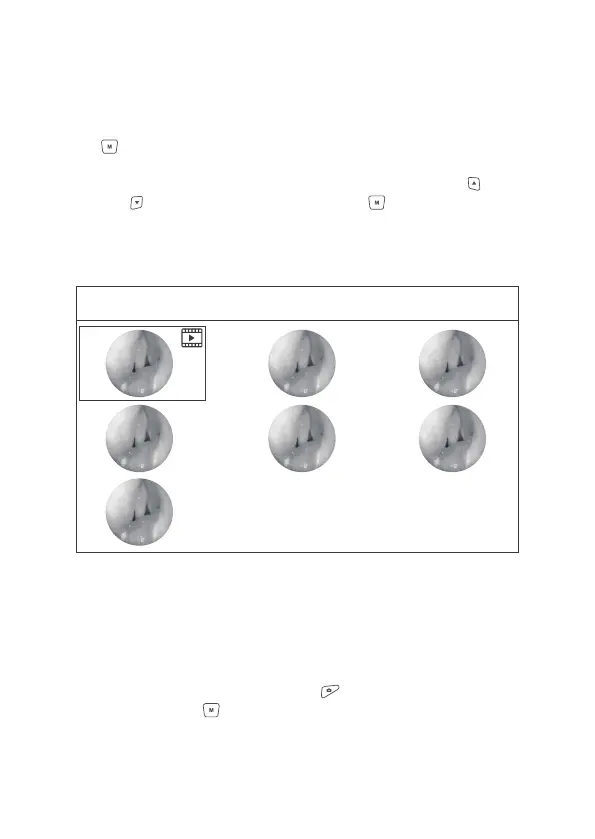
Figure 12 Playback List
Playback List
1/7
2.8.3 Playback
In the main menu interface, select the Third icon, and press the Menu/Set
button to enter the Playback List, in which listing a serial of thumbnails of
video and photo, with the icon of file type showing in the right upper side.
Select the video or photo intended to play by pressing Upward and
Downward button, and press Menu/Set button to play the file.
1)If a JPG file is selected, press the Upward button to play the previous file,
and press the Downward button to play the next file; Press Video button to
flip up “Delete Dialog”, press Photo button to return to the playback list,
press Menu/Set button to play the next file.
18


 To Next Page