2014/08/14 20:36:30
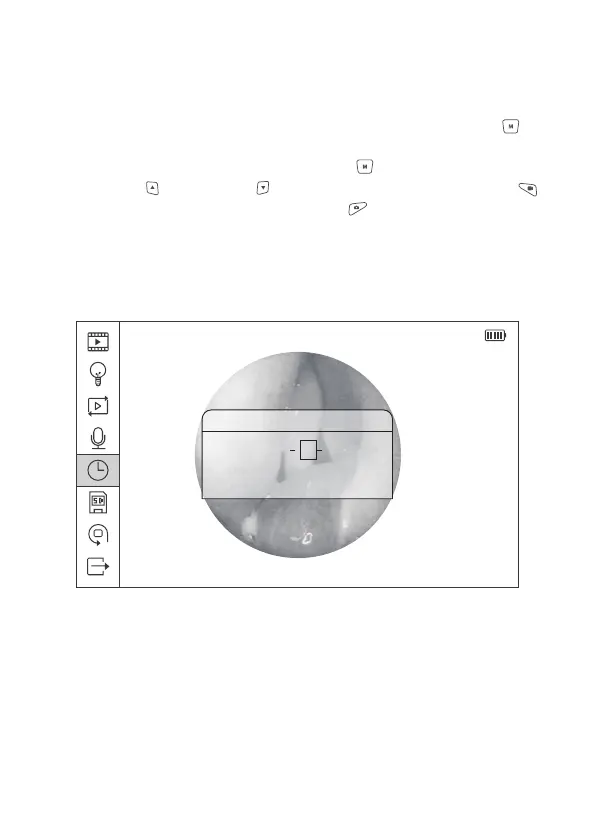
Data/Time
2014 01 01
00 : 00 : 00
Figure 16 System Time Setting
2.8.5 System Time Settings
In the interface of main menu, select the Fifth icon, press Menu/Set button to
enter the menu of System Time Settings. The format of the system time is:
yyyy-mm-dd, hh:mm:ss. Press Menu/Set button to select one option, and
press Upward and Downward button to set the data. Press Video button
to return to previous menu, press Photo button to exit the main menu and
back to the preview mode.
21


 To Next Page