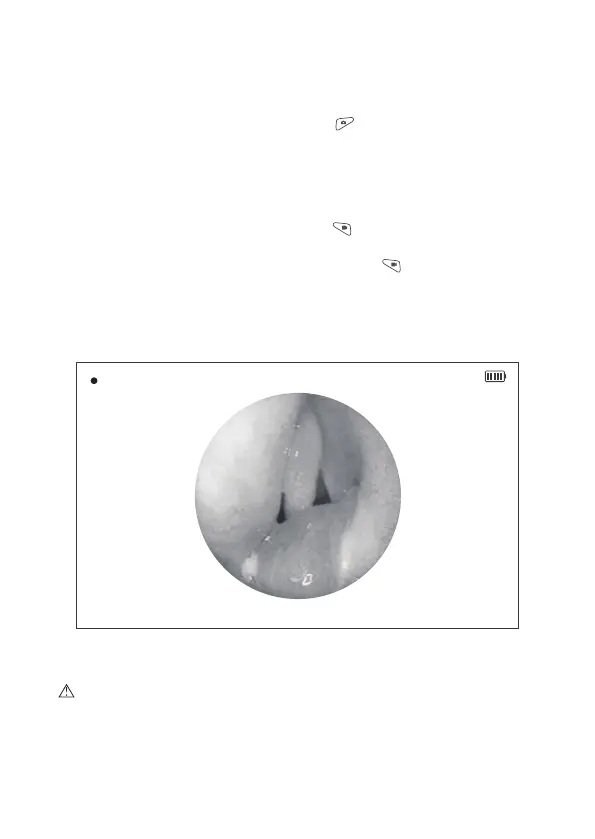
Figure 7 Video Recording Interface
2014/08/14 20:37:30
00: 00:18
2.5 Photo Shooting
In the preview mode, press the photo button , an image shot will be saved
as JPG format automatically in the Micro SD card, with the file named as
“yy_md_hms_serial no” .
2.6 Video Recording
In the preview mode, press the video button to start video recording.
During video recording, a “red recording icon” will be flashed showing on the
left upper side of the screen. Press the video button again to stop the
video recording. At this moment, the video recorded will be automatically
saved as MOV format in the Micro SD card, with the file named as
“yy_md_hms_serial no.”.
Caution: Please make sure that the Micro SD card has been inserted to
the main unit before photo shooting or video recording. Without Micro SD
card, the photo or video will not be saved, which means that the photo and
video function will be failed.
13


 To Next Page